

Corkwell
Wine Cellar Manager

Lifestyle & Hobbies
Miniature Paint Log
Your paint rack, projects and recipes in one workshop notebook
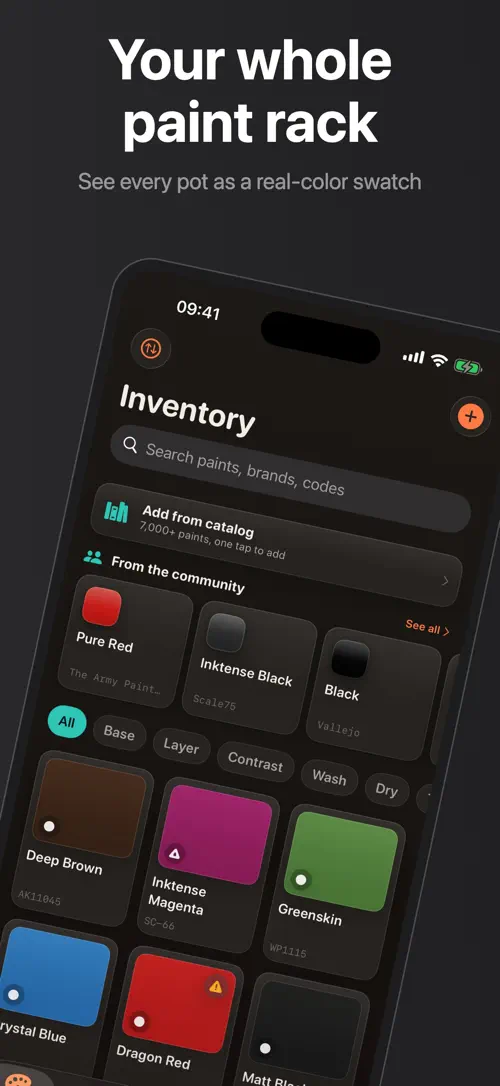
Undercoat is an iPhone app made by Develak for miniature and model painters who want their paint collection, projects and color recipes organized in one place instead of five apps.
Screenshots
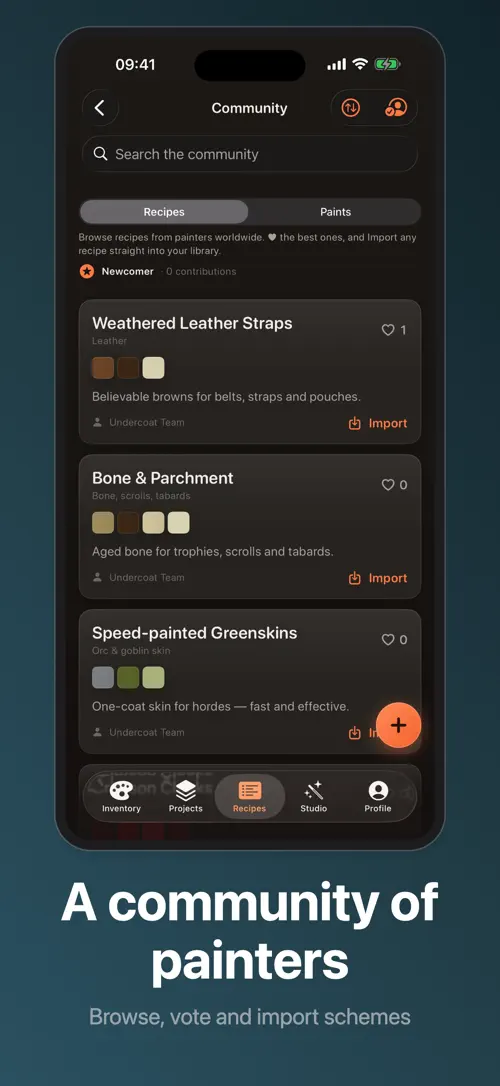
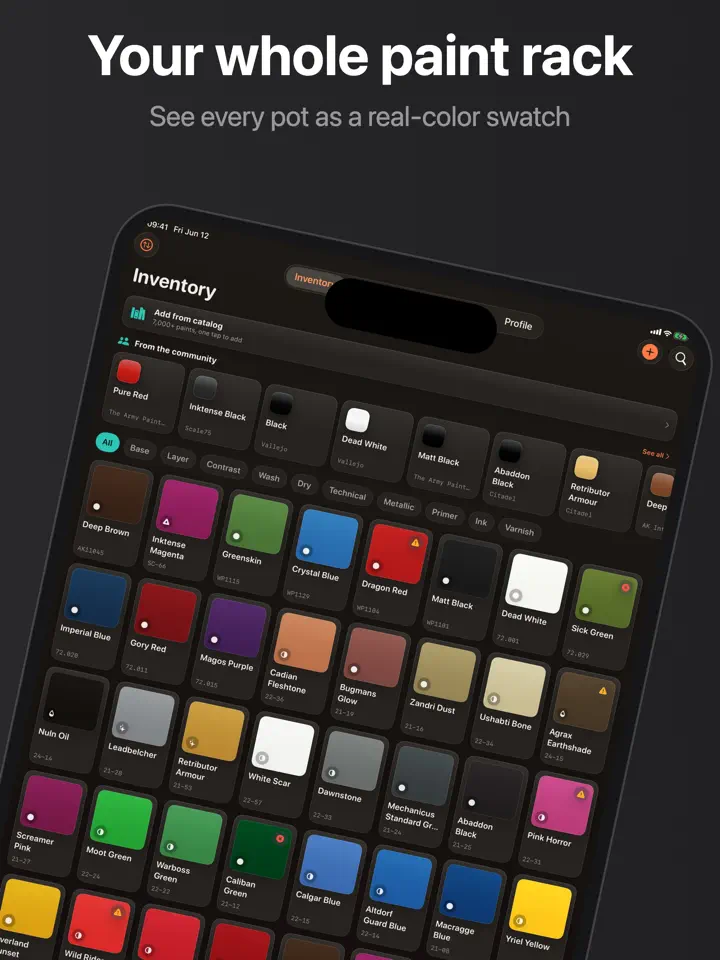
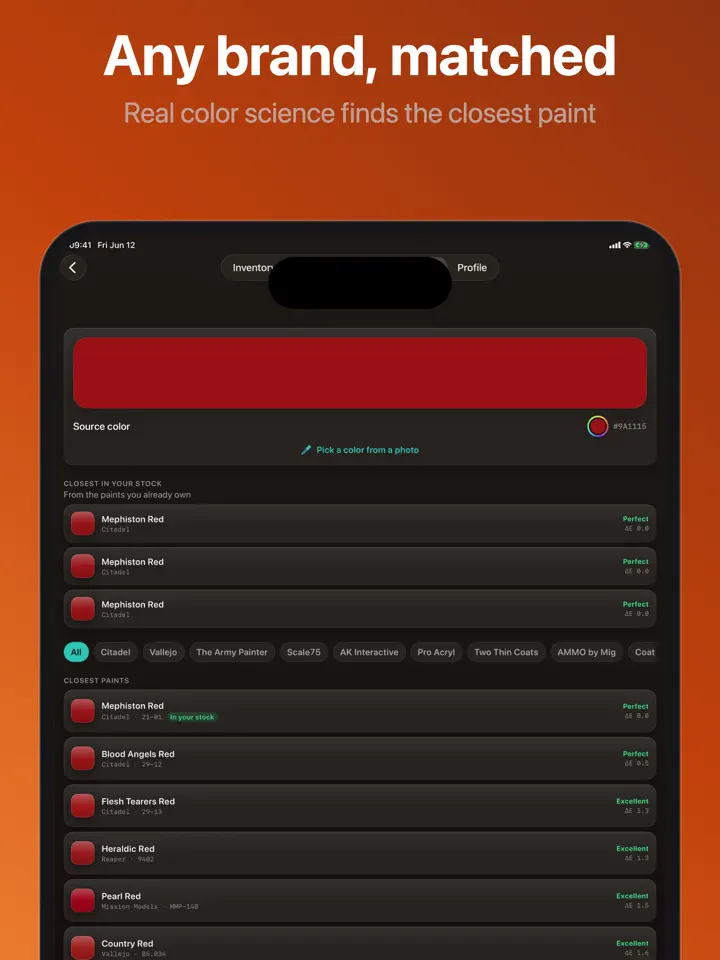

Overview
If your painting desk has become a jumble of half-empty pots, sticky notes about which wash you used, and a mental list of what you still need to buy, Undercoat is built to fix that. It brings your paint inventory, your projects, your color recipes and your stats together in a single workshop notebook.
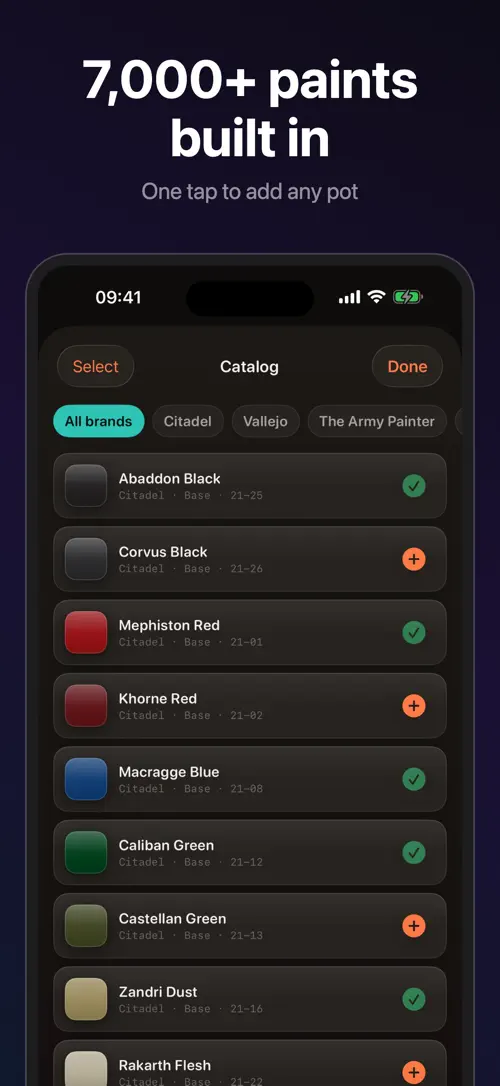
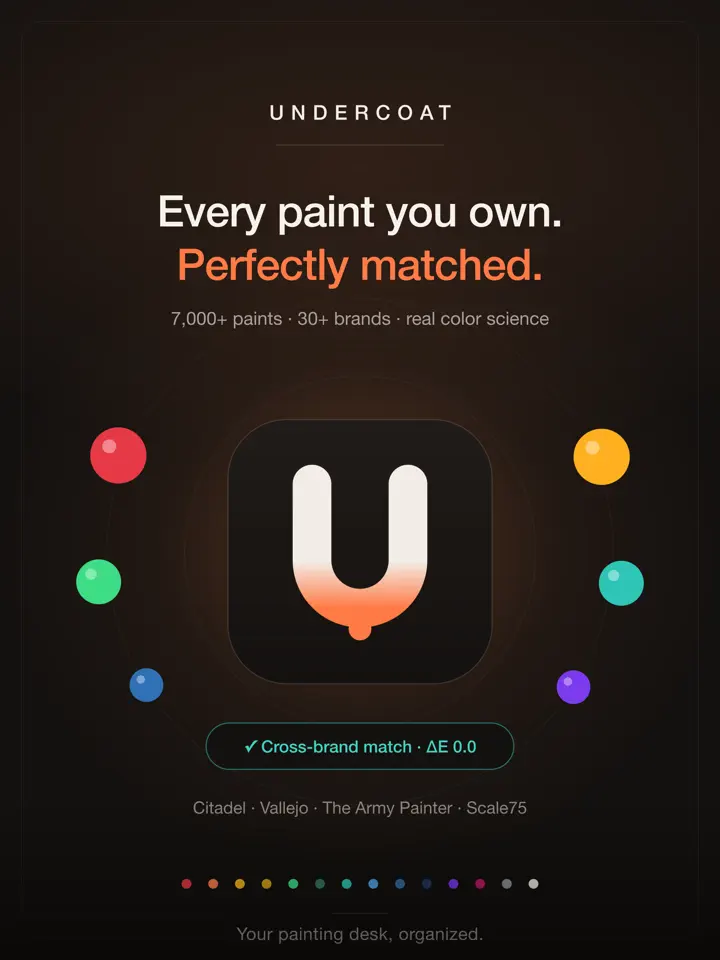
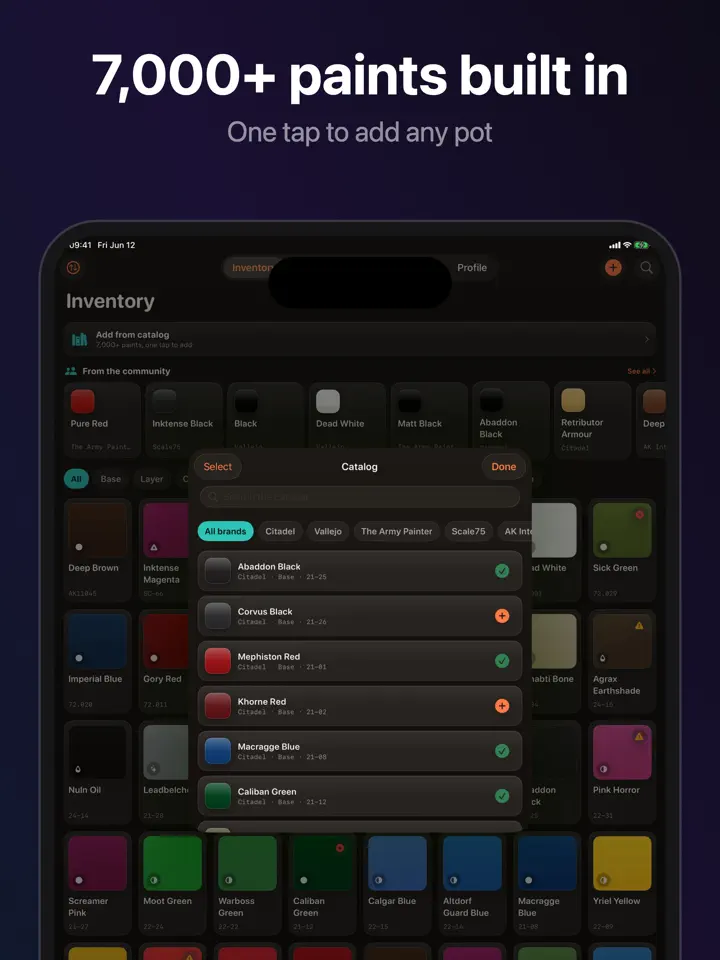
Undercoat starts with a built-in multi-brand catalog covering names like Citadel, Vallejo, The Army Painter and Scale75, so you can add paints by search, by hand, or by scanning a barcode. From there it helps you track what you own, what you are painting, and how you painted it, so nothing gets lost between projects.
Undercoat is the all-in-one workshop notebook for miniature and model painters. Inventory, projects, recipes, cross-brand matching and stats — finally in a single, beautiful app instead of five separate ones.
A generous free tier lets you build a real collection. Upgrade to Pro for unlimited inventory, projects, army lists and recipes, cross-brand equivalences, low-stock alerts, full stats, export and cloud backup. Available as a monthly or annual subscription, or a one-time lifetime unlock.
Your painting desk, organized.
—
Paint data is for reference only. Brand names are trademarks of their respective owners and are used for compatibility reference, not affiliation.
—
Terms of Use (EULA): https://www.apple.com/legal/internet-services/itunes/dev/stdeula/
Privacy Policy: https://develak.com/privacy-policy/
Highlights
Undercoat logs your miniature paint collection, projects and color recipes in one app, with cross-brand matching and barcode scanning.
Build your collection from a built-in catalog that includes Citadel, Vallejo, The Army Painter, Scale75 and more.
Add paints to your rack by search, by hand, or by scanning a barcode in seconds.
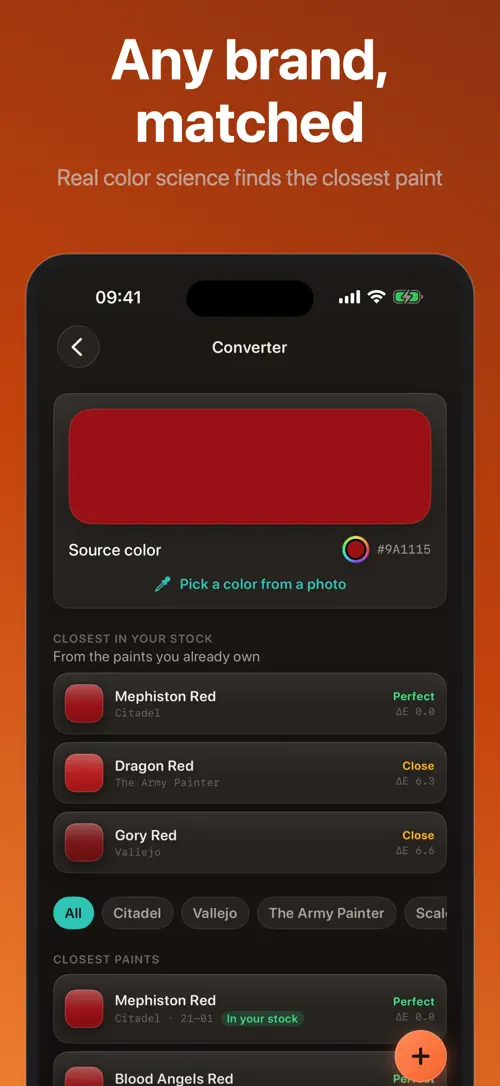
Find the closest paint in another brand using CIEDE2000 color science, or match a color to a paint you already own.
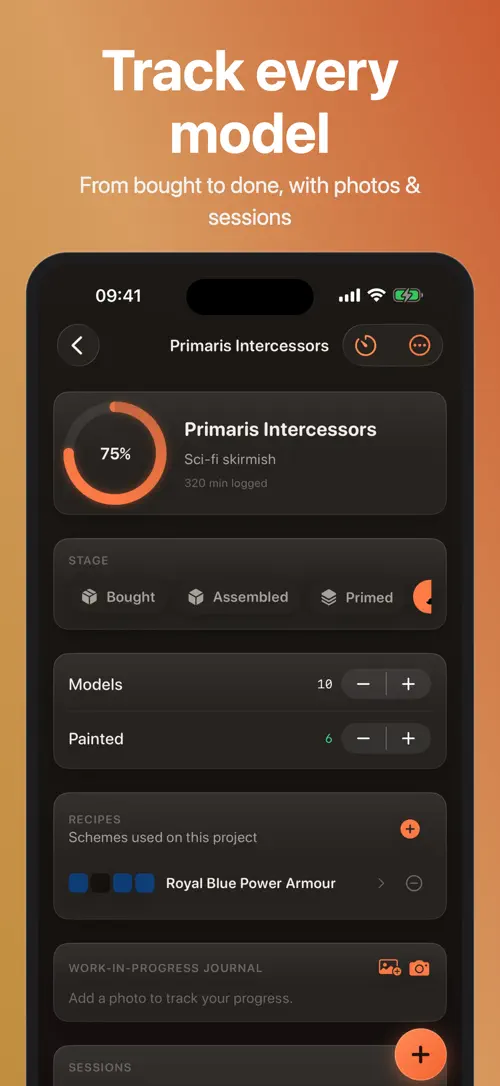
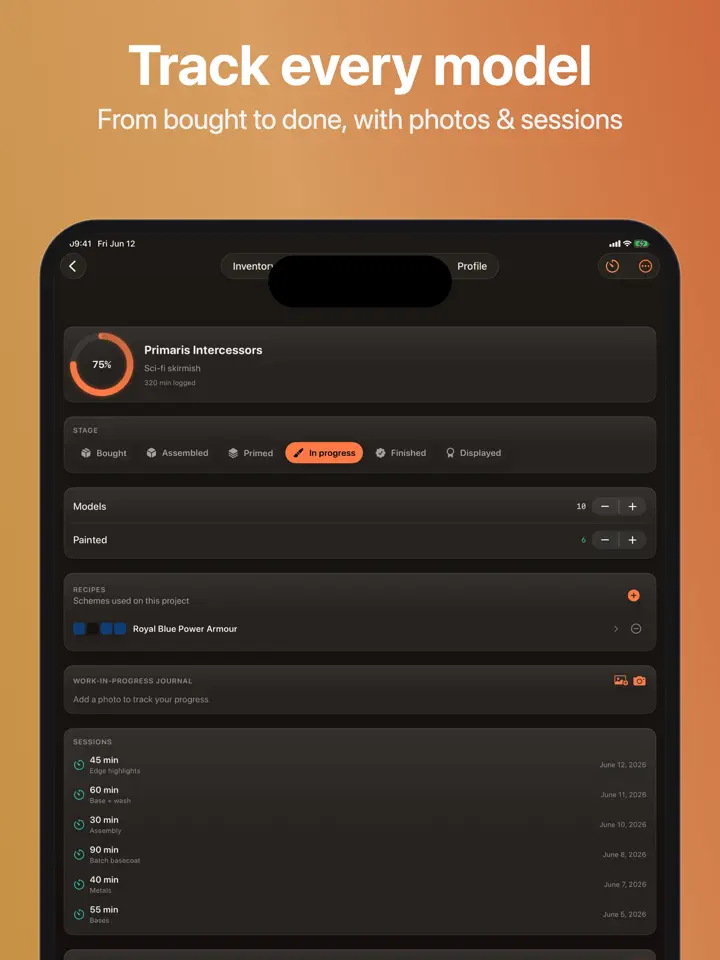
Follow every model from bought to assembled to primed to in progress to finished, with progress rings and a work-in-progress photo journal.
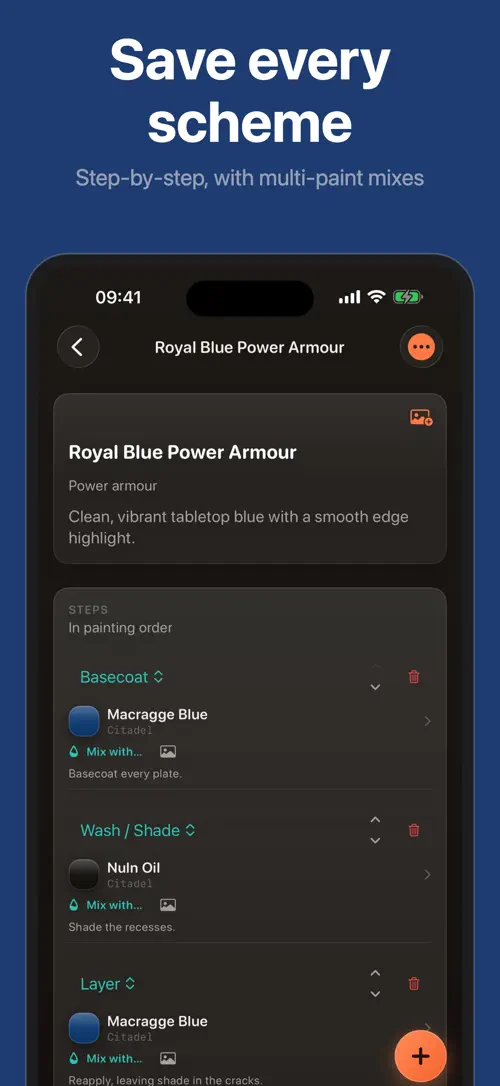
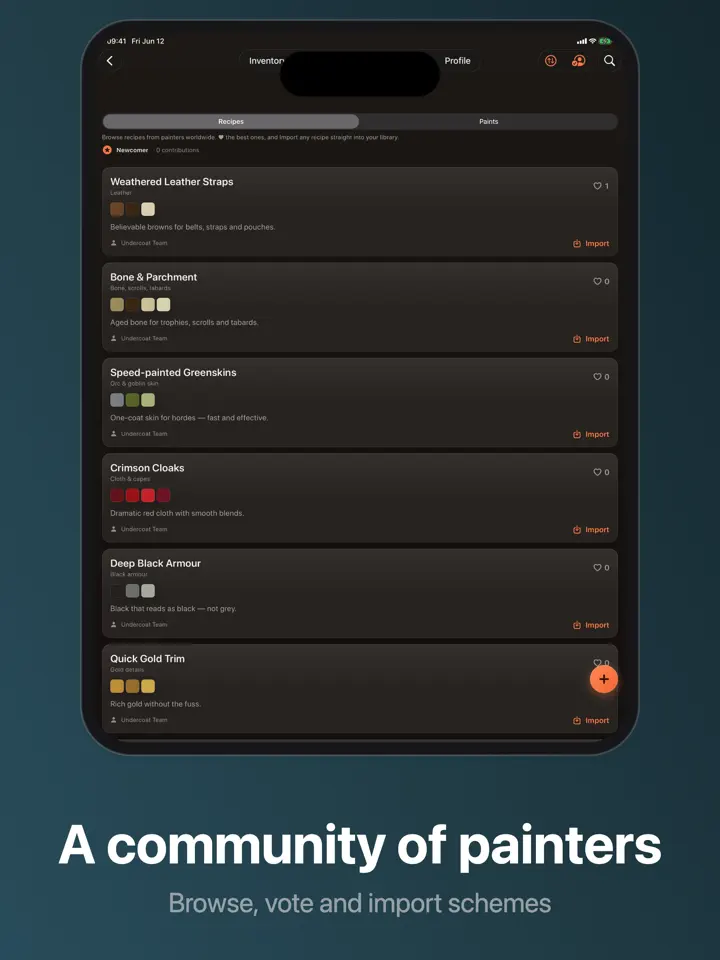
Save basecoat, wash, layer and highlight steps that link to the actual paints you own, with a visual swatch fingerprint for each recipe.
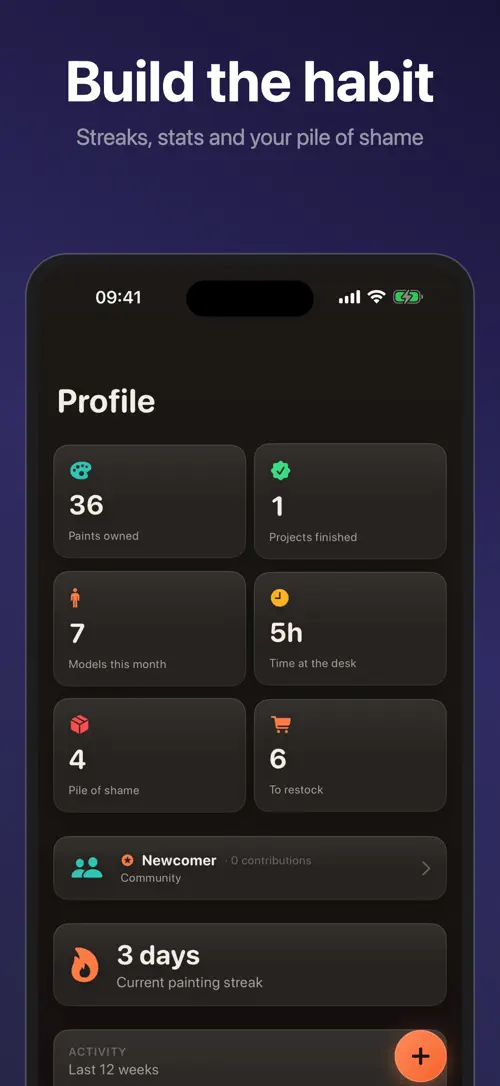
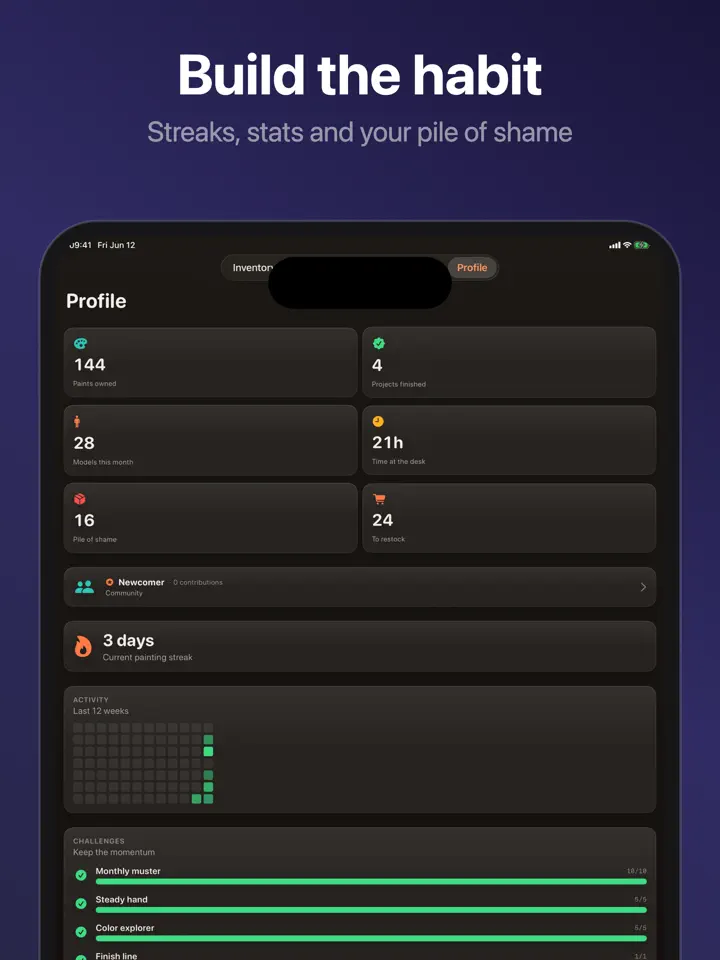
See models painted per month, painting streaks, an activity heatmap and badges that nudge a backlog toward finished minis.
Who it’s for
Track the percent painted across every unit in your army and watch it climb project by project.
Keep paints from different brands in one rack and find equivalences without guessing by eye.
Save the exact basecoat, wash, layer and highlight steps for a scheme so you can repeat it later.
See what is full, running low, or out at a glance and get an automatic shopping list.
How it works
From “Build your rack” to “Check your stats and shopping list”, in 4 steps.
Add paints from the built-in multi-brand catalog by search, by hand, or by scanning a barcode.
Create a project for a model or a unit and move it through bought, assembled, primed, in progress and finished.
Record each color scheme step by step, linking every step to a paint you actually own.
Open your stats for streaks and a heatmap, and check the automatic shopping list for what is running low.
In depth
Undercoat uses CIEDE2000 color science, rather than a rough RGB comparison, to find the closest equivalent to a given paint in another brand. This is meant as a practical reference for substituting a color you do not own, not a guarantee of an identical match.
You can also search for the closest paint in your own stock, which is useful when you want to start a scheme with what is already on your rack instead of buying something new.
Each project moves through five stages: bought, assembled, primed, in progress and finished. Progress rings show where a model or a unit currently stands, and you can keep a work-in-progress photo journal alongside it.
For army-style projects, Undercoat also tracks the percent painted across all the units in that project, so you can see overall progress rather than just one model at a time. Time logged per session is recorded as you work.
A recipe is a saved sequence of steps, such as basecoat, wash, layer and highlight, that describes how you painted a particular scheme. Each step links to a paint you actually own in your inventory, so you are not left guessing which pot you used months later.
Every recipe also has a visual swatch fingerprint, a compact color reference you can glance at before starting the same scheme again.
Release notes
Version
1.2
iCloud sync now works reliably across your devices. We fixed an issue that could keep your collection on a single device, so your paints, projects and recipes now stay in sync between iPhone and iPad automatically. We also fixed some icons that could appear blank and made several stability improvements. Thanks for painting with Undercoat!
FAQ
Something else? The Undercoat support page covers purchases, sync and settings, and lets you write to us directly.
Yes. Undercoat is free to download from the App Store. Optional in-app purchases unlock extra features; they are billed by Apple to your Apple Account, and you can manage them at any time in your account settings.
Undercoat works on iPhone and iPad with iOS 18.0 or later.
The built-in catalog includes brands such as Citadel, Vallejo, The Army Painter, Scale75 and more, so you can build a collection that spans several brands in one rack.
You can add a paint by searching the built-in catalog, entering it by hand, or scanning its barcode.
Yes. Undercoat tracks which paints are full, running low, or out, and generates an automatic shopping list from that.
Matches are calculated with CIEDE2000 color science rather than a rough RGB comparison, but they are a reference to help you substitute paints, not a guarantee of an identical color.
Yes. You can search for the closest match to any color within your own stock, which helps you paint with what you already have.
Undercoat shows the percent painted across all the units in a project, alongside individual progress rings for each model as it moves from bought to finished.
Undercoat is available in 33 languages: Arabic, Catalan, Chinese (Simplified), Chinese (Traditional), Croatian, Czech, Danish, Dutch, English, Finnish, French, German, Greek, Hebrew, Hindi, Hungarian, Indonesian, Italian, Japanese, Korean, Malay, Norwegian Bokmål, Polish, Portuguese, Romanian, Russian, Slovak, Spanish, Swedish, Thai, Turkish, Ukrainian and Vietnamese.
Visit the Undercoat support page: it answers common questions about purchases, sync and settings, and has a contact form. You can also write to contact@develak.com. We read every message and reply personally.
Made by Develak
We design and build native iPhone, iPad and Mac apps for founders and companies, with the same care we put into our own. Tell us about your idea.