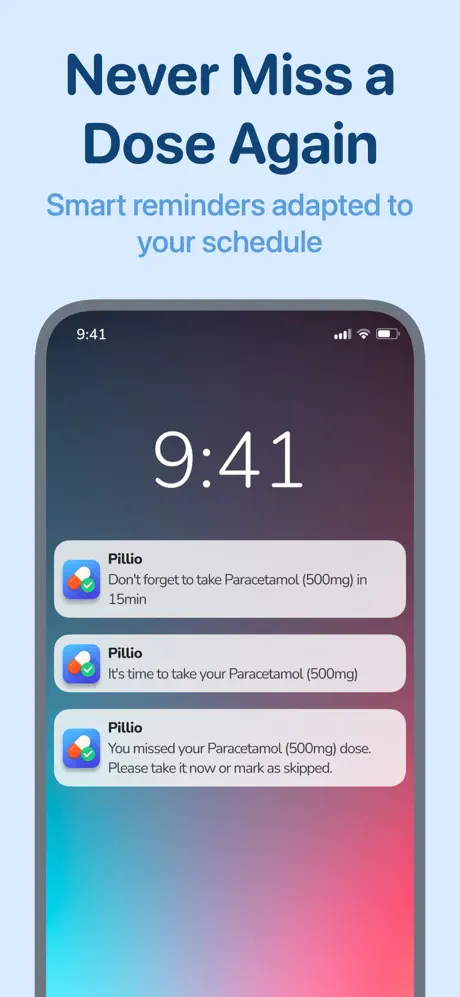

Pillio
Pill Reminder & Tracker
Medication reminders, Apple Health sync and PDF reports
iOS app development
Develak builds custom iOS apps for founders and companies: native iPhone and iPad apps written in Swift and SwiftUI, from the first specification to App Store release — and the updates that follow. It is exactly how we have built the 34 apps of our own catalogue.
The service
Custom iOS app development means building an app around your product, instead of squeezing your product into a template. We start from your users and your business model, then design and code every screen natively for iPhone and iPad.
We write in Swift and SwiftUI and rely on Apple’s frameworks: SwiftData or Core Data for storage, CloudKit for iCloud sync, StoreKit 2 for subscriptions, and HealthKit, WidgetKit or App Intents when your features call for them. Native code means smooth scrolling, a small download, full access to new iOS features and far fewer surprises at each iOS update.
Still weighing native against cross-platform? Our guide SwiftUI vs Flutter vs React Native compares the options honestly. And when your app is ready to ship, our App Store submission checklist lists everything Apple reviews before approval.
Guides to go further
What’s included
One studio handles the whole build, so nothing falls between a designer, a developer and a release manager.
Clean, documented code organized in modules, with an architecture sized for your app — not the framework of the month.
Offline-first storage with SwiftData or Core Data, and private iCloud sync through CloudKit so users find their data on every device.
StoreKit 2 paywalls, free trials and restore purchases, configured in App Store Connect.
HealthKit, WidgetKit, Live Activities, App Intents, Swift Charts, Core Location, PDF export — integrated where your features need them.
Privacy manifests, clearly worded permission prompts, App Privacy answers and the details App Review looks at.
TestFlight betas, testing on several iPhone and iPad sizes, then App Store submission and follow-up with App Review.
Inside the project
Your app is delivered as a clean Xcode project: organized by feature, built on Apple frameworks and ready for the next developer, whoever that is.
Each screen lives with its logic, so a change stays in one place and every new feature has an obvious home.
SwiftData for storage, CloudKit for sync, StoreKit 2 for purchases, WidgetKit for widgets: each one only when a feature calls for it.
A String Catalog, a privacy manifest and technical notes come with the code, in a Git repository that belongs to you.
Who it’s for
It is the right choice when the app is central to your product and has to feel first-class on iPhone.
You know your market and need a solid first version that can grow — not a throwaway prototype.
You have a service, a website or a community, and your customers expect a native app to go with it.
Your current app is slow, hard to update or held back by a cross-platform stack. We rebuild it natively.
Deliverables
At the end of the project, everything needed to run, publish and evolve the app is delivered to you.
Process
Five steps, each ending with something you can see, test or approve.
We clarify goals, users, must-have features and integrations, then write a scope with milestones and a quote.
You get: Scope, milestones & quote
User flows, wireframes and final screens based on Apple’s Human Interface Guidelines, approved before development.
You get: Approved screens
Feature by feature in Swift and SwiftUI, with TestFlight builds so you test on your own device as the app grows.
You get: TestFlight builds
Several screen sizes, Dynamic Type, VoiceOver, dark mode, performance and the edge cases users always find.
You get: Release candidate
Store listing, screenshots, submission and App Review follow-up — then a handover or an ongoing maintenance plan.
You get: Live app & handover
Timeline
Scope decides, more than anything else. As a guide, this is how a typical project divides its time:
Typical duration: A few days
Calls, questions, written scope and quote.
Typical duration: A few weeks
Flows, wireframes, then final screens.
Typical duration: The longest phase
Feature by feature, with TestFlight builds.
Typical duration: Days to a few weeks
Polish, submission and App Review.
Guidance, not a guarantee: you receive a dated plan with your quote, after the discovery call.
Tools & frameworks
We favor Apple frameworks over third-party dependencies: fewer moving parts, better performance and a longer life for your code.
Proof
Our own apps use the stack and the standards we apply to client work. A few examples, from health to motorsport:
Pill Reminder & Tracker
Medication reminders, Apple Health sync and PDF reports

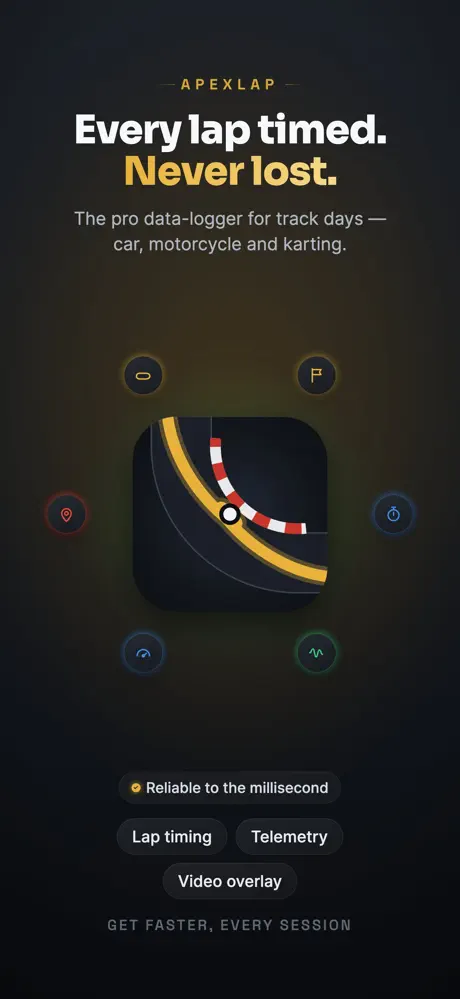
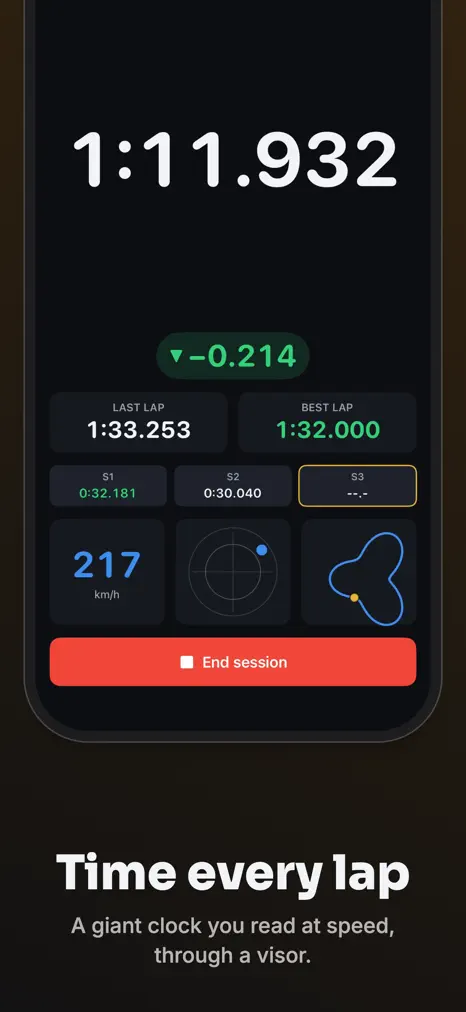
Lap Timer & Telemetry
GPS lap timing and telemetry with Core Location

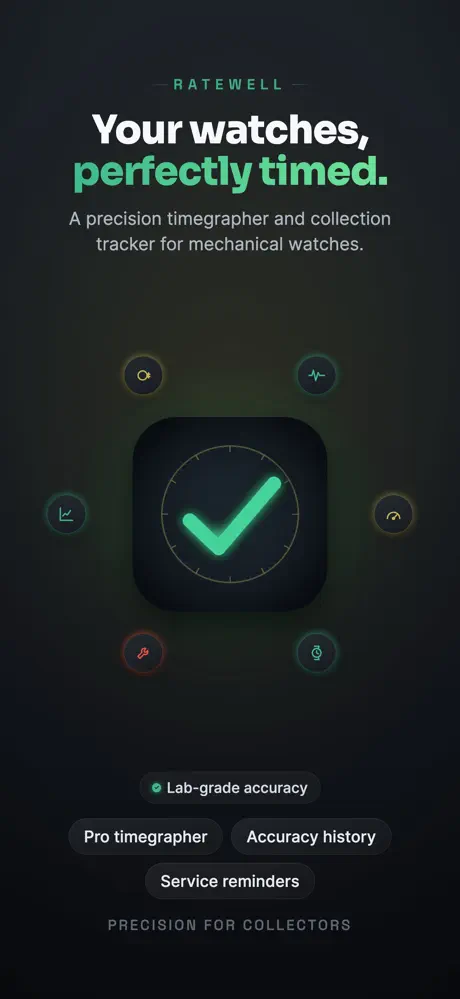
Watch Timegrapher
Measures a watch movement through the microphone

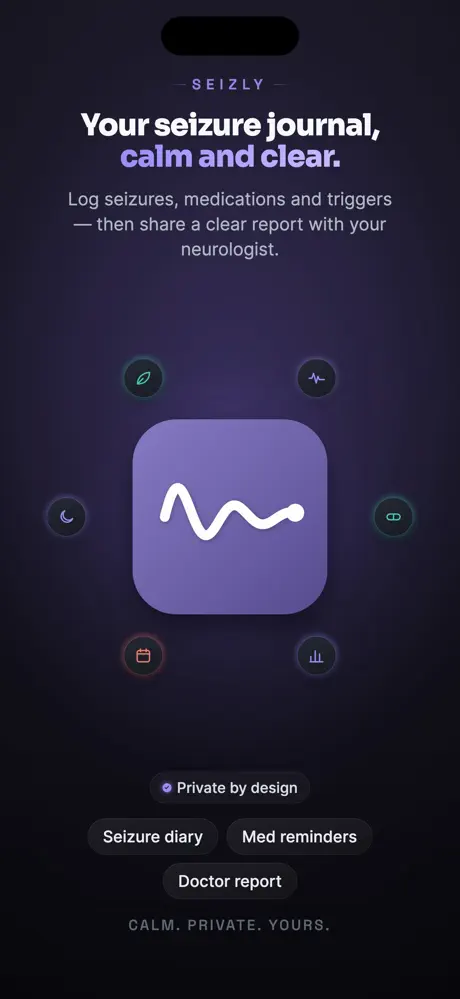
Seizure Diary
Encrypted journal, iCloud backup and doctor-ready reports
FAQ
What clients usually ask before starting a custom iPhone app.
Ask your question Not covered here? Write to us — we answer every message ourselves.
contact@develak.comThe cost of an iOS app depends on its number of screens and features and on integrations such as subscriptions, iCloud sync, Apple Health or a server. Develak does not publish a price list, because no two apps share the same scope. After a first call, we send a written scope with a fixed quote, so the budget is clear before any work begins.
A focused iPhone app can often be designed, built and published in weeks rather than months; a larger product takes longer. Development is always the longest phase. You receive a dated plan with the quote; treat it as guidance, since changes of scope move dates.
Native Swift and SwiftUI apps get new iOS features first, feel consistent with the rest of the iPhone, run faster and are easier to keep up to date when Apple ships a new iOS. Cross-platform frameworks make sense when Android is a priority from day one. Our guide SwiftUI vs Flutter vs React Native compares them in detail.
Yes. SwiftUI lets one codebase adapt to iPhone and iPad, and it can be extended to the Mac when that makes sense. Develak publishes Mac apps of its own, such as Xlocalize and Appviary.
Yes. We connect the app to your existing API and accounts, or keep things simpler with CloudKit when all you need is private sync between a user’s own devices — no server to run or pay for.
You do. Client apps are published under your own Apple Developer account, and the Swift source code, design files and App Store assets are delivered to you.
Most apps need regular updates: new iOS versions, user feedback and new features. You can continue with an ongoing maintenance plan, or take the code in-house: the project is documented so that either option works.
Tell us what you have in mind — a sketch, a spec or just an idea. We read every message and reply personally.