

Contrastly
Cold Plunge, Sauna
Screenshots
Overview
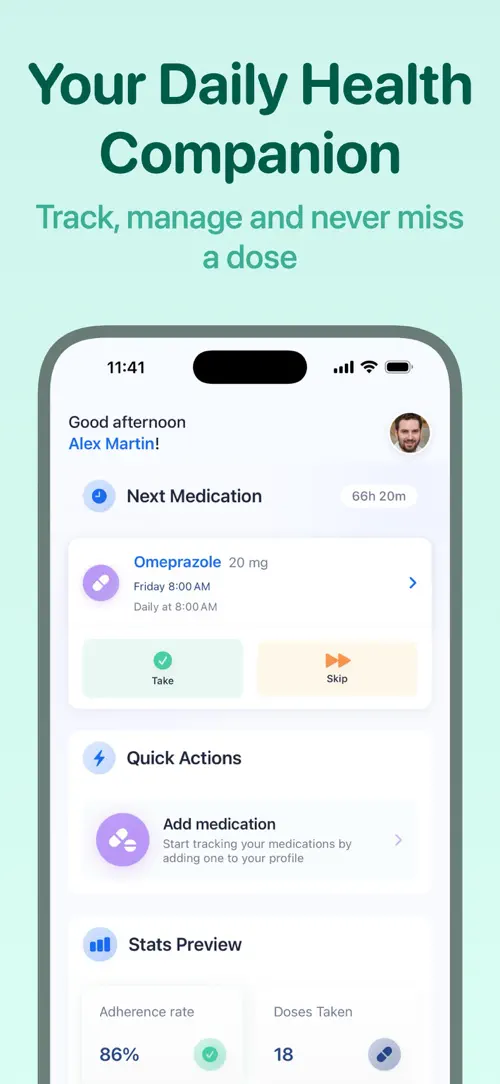
Pillio is a pill reminder and medication tracker built for daily prescriptions, vitamins, and supplements. It sets alarms around your schedule, whether that means once a day, several times a day, or every few hours, so taking a dose becomes a simple habit rather than something to remember on your own.
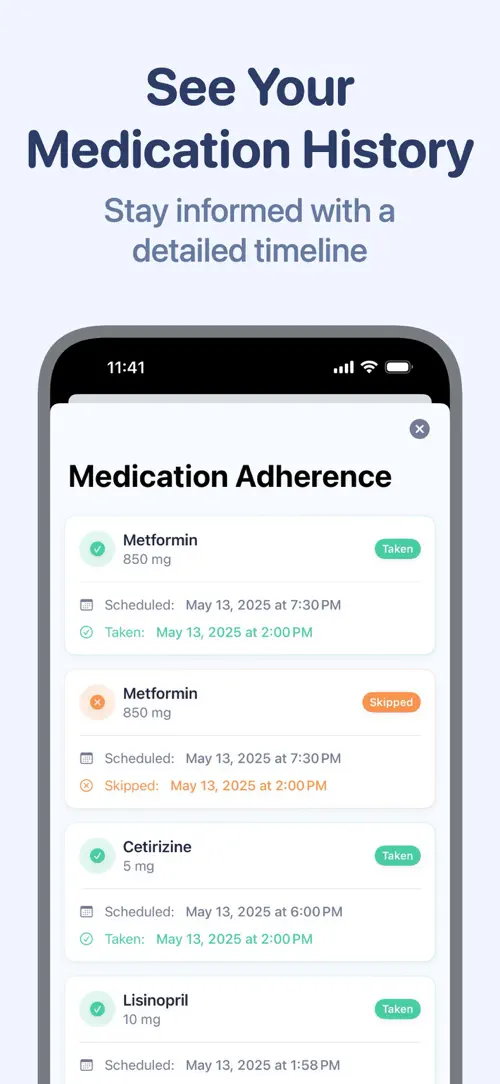
Beyond reminders, Pillio keeps a running log of every intake, skip, and postponed dose. You can review your history in a clean timeline, sync it with Apple Health, and export a PDF report to bring to a doctor’s appointment.
Never miss a pill again.
Pillio is your smart pill reminder, medication tracker, and pill alarm—helping you stay on schedule and take control of your health, every day.
Your subscription supports continuous updates and premium features.
Stay healthy, organized, and stress-free with Pillio – your trusted partner for pill reminders, medication tracking, and health management.
Download Pillio now and take control of every dose!
Terms of Use: https://www.apple.com/legal/internet-services/itunes/dev/stdeula/
Highlights
Pillio helps you track medications and vitamins, set reminders, log doses, sync with Apple Health, and export PDF reports for doctor visits.
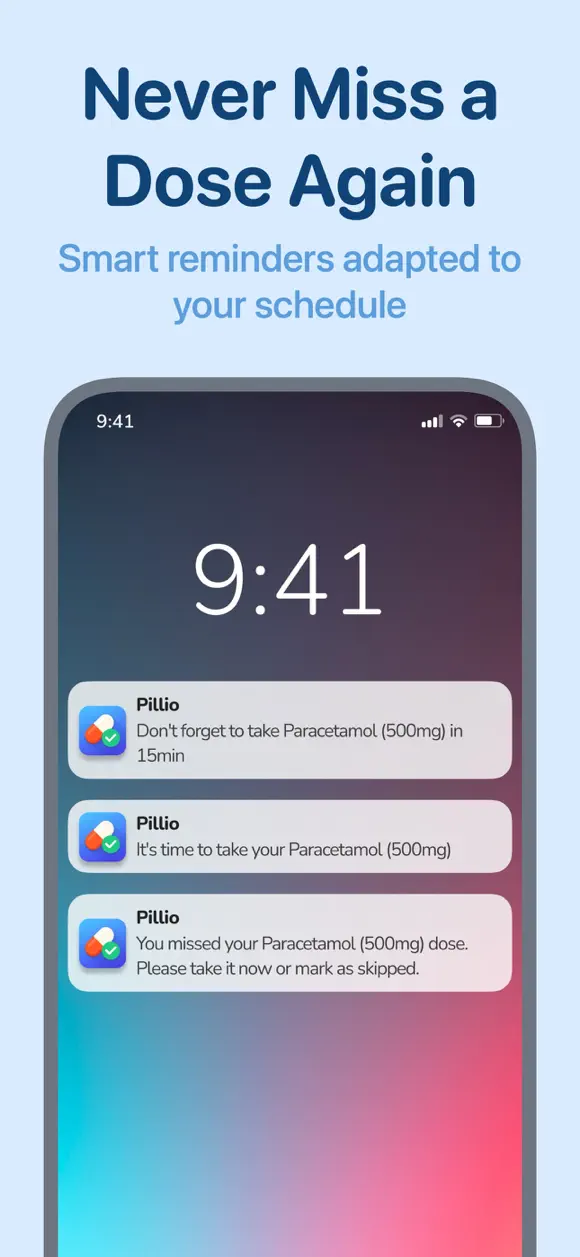
Set alarms for once-daily, multiple-times-daily, or every-X-hours schedules so each dose gets its own precise reminder.
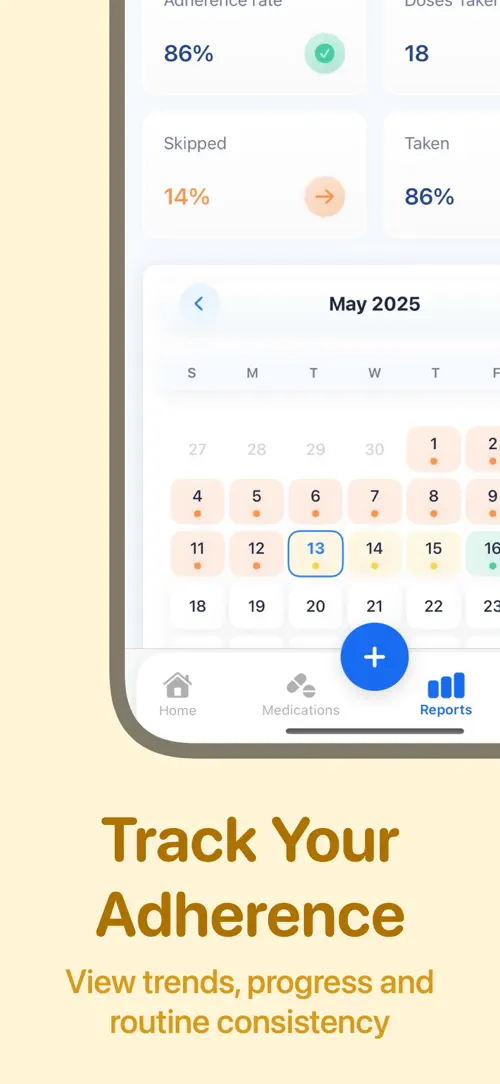
Log every intake, skip, or postponement to see your adherence and progress over time.
Browse your full medication history in an intuitive timeline, useful for individuals, families, seniors, and caregivers.
Combine your medication data with your health records through Apple Health integration.
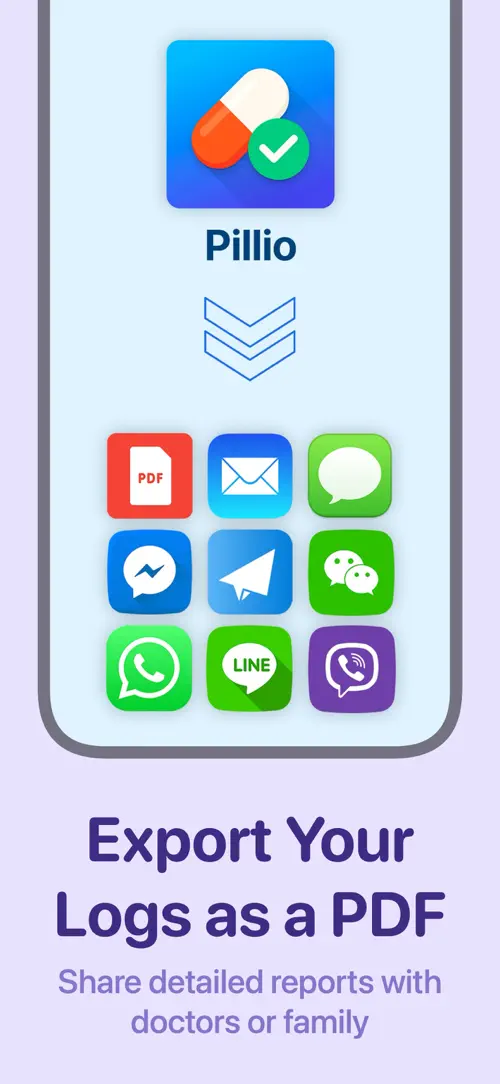
Generate a medication report in PDF format that you can share ahead of an appointment.
Your health data is encrypted and stored securely, and only you have access to it.
Who it’s for
Anyone managing a fixed schedule, a complex regimen, or daily supplements can set reminders and keep a clear log.
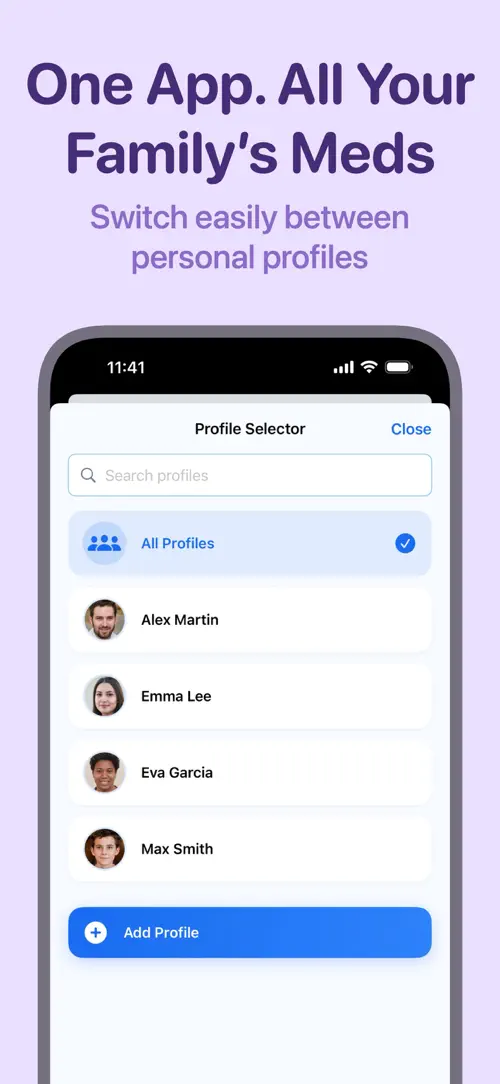
Log doses for your children alongside your own, all organized in one place.
Keep track of medications for a loved one, with a history you can review or export when needed.
Use accurate, timestamped medication logs when precise adherence records matter.
How it works
From “Add a medication or vitamin” to “Export your history”, in 5 steps.
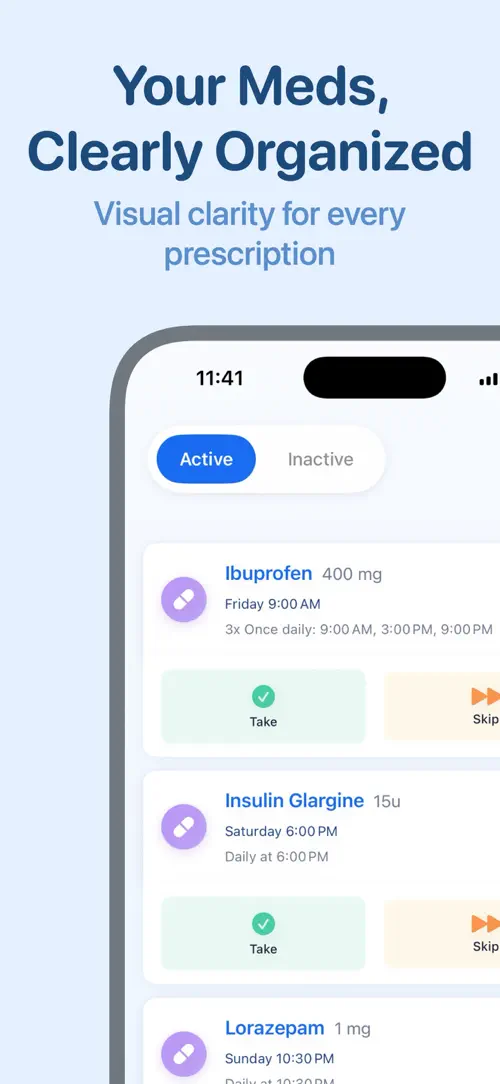
Set its name, dosage, color, and icon so it is easy to recognize at a glance.
Pick fixed times, an interval, or a flexible as-needed pattern.
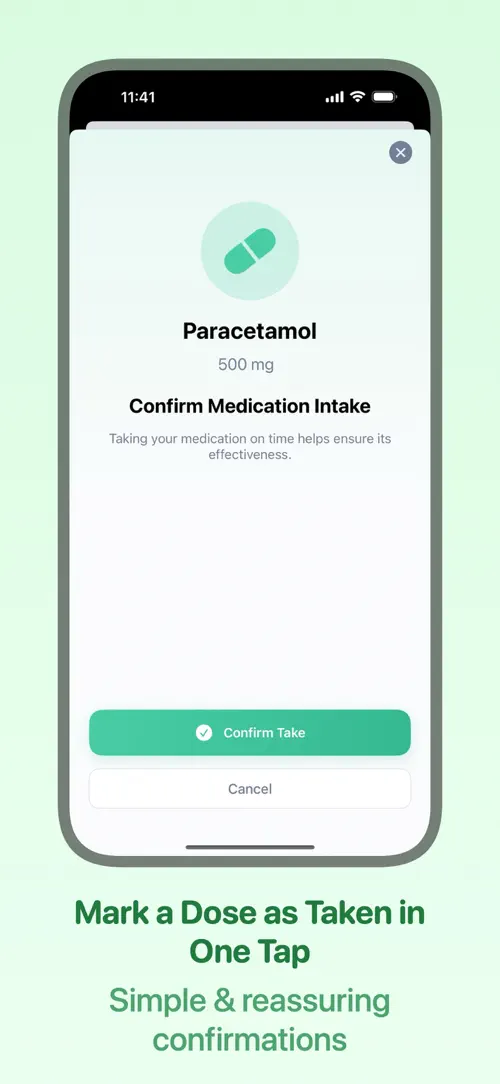
When a reminder arrives, confirm, skip, or postpone the dose in a single tap.
Review analytics on missed doses, intake history, and progress over time.
Generate a PDF report to share with your doctor at your next visit.
In depth
You set an alarm for each medication or vitamin based on how you take it: once a day, several times a day, or every X hours. Pillio sends a reminder at the scheduled time, and you confirm, skip, or postpone the dose directly from the alert.
A recent update also lets you send a test notification from “Settings › Notifications” so you can check that reminders actually reach your device, without having to create a placeholder medication.
Every confirmed, skipped, or postponed dose is logged in the “Pill Log,” presented as a timeline you can review at any time. This gives you a clear picture of adherence over days, weeks, or months.
When you need to share that history, Pillio can generate a PDF report, which is designed to be handed to a doctor or used during a consultation.
Pillio was designed with an accessible interface that includes large fonts and dark mode, which makes it easier to read for seniors or anyone who prefers larger text. iCloud sync also lets caregivers keep medication data consistent across the devices they use.
Because the log covers each family member’s medications separately, it also works well for parents tracking a child’s vitamins or a caregiver managing a loved one’s prescriptions.
Release notes
Version
1.6.0
Reminders you can count on.
Thank you for your feedback — it shaped this update!
FAQ
Something else? The Pillio support page covers purchases, sync and settings, and lets you write to us directly.
Yes. Pillio is free to download from the App Store. Optional in-app purchases unlock extra features; they are billed by Apple to your Apple Account, and you can manage them at any time in your account settings.
Pillio works on iPhone and iPad with iOS 17.0 or later.
Add the medication with its name, dosage, color, and icon, then choose a schedule such as once daily, multiple times a day, or every X hours. Pillio then sends a reminder at each scheduled time.
Yes. Pillio treats vitamins and supplements the same way as prescriptions, so you can set a schedule and log intake for any of them.
You can confirm, skip, or postpone the dose in a single tap from the reminder itself.
Yes. Pillio can generate a PDF report of your medication history, intended for doctor appointments and consultations.
Yes. Pillio integrates with Apple Health so your medication data appears alongside your other health records.
Yes. Pillio is designed to be caregiver and senior friendly, with large fonts, dark mode, and iCloud sync so medication information stays organized and accessible.
Pillio is available in 33 languages: Arabic, Catalan, Chinese (Simplified), Chinese (Traditional), Croatian, Czech, Danish, Dutch, English, Finnish, French, German, Greek, Hebrew, Hindi, Hungarian, Indonesian, Italian, Japanese, Korean, Malay, Norwegian Bokmål, Polish, Portuguese, Romanian, Russian, Slovak, Spanish, Swedish, Thai, Turkish, Ukrainian and Vietnamese.
Visit the Pillio support page: it answers common questions about purchases, sync and settings, and has a contact form. You can also write to contact@develak.com. We read every message and reply personally.
Cold Plunge, Sauna

DBT Diary Card

INR & Warfarin Log
TRT Injection Log
Made by Develak
We design and build native iPhone, iPad and Mac apps for founders and companies, with the same care we put into our own. Tell us about your idea.