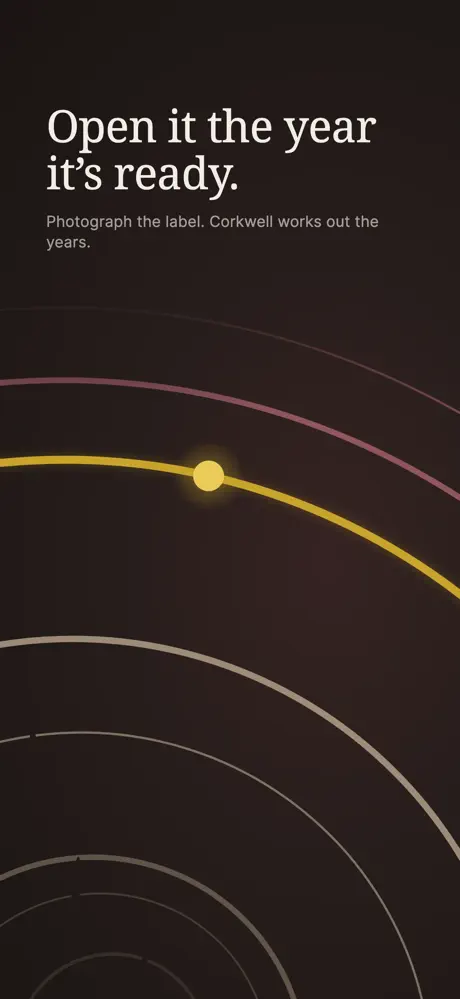

Corkwell
Wine Cellar Manager
Reads wine labels on-device and maps your real racks
iOS app design
Develak designs iOS apps that feel at home on iPhone and iPad: user flows, wireframes, polished interfaces and app icons built on Apple’s Human Interface Guidelines. We also write the SwiftUI code, so every screen we draw is designed to be built.
The service
A good iOS app design is one users don’t have to learn. It follows the conventions people already know from Apple’s own apps — navigation, gestures, sheets, SF Symbols — and spends its originality where it matters: your brand, your content and the one feature that makes your app worth downloading.
iOS app design covers two layers. UX design decides what the app does and in which order: user journeys, information architecture, onboarding, empty states and error messages. UI design decides how it looks and feels: typography, color, spacing, motion, icons and the small details that make an interface feel crafted.
Because we also build apps, our designs are grounded in what SwiftUI does well. That avoids gorgeous mock-ups that turn into weeks of custom code, and keeps your budget on the features users will notice. When the design is ready, our iOS app development service can take it all the way to the App Store.
Guides to go further
What’s included
We design the complete experience, not just the showcase screens.
Who uses the app, what they need to accomplish, and the shortest path to get there.
Low-fidelity layouts of every screen to validate structure and navigation before visual design.
Final screens in light and dark mode, with typography, color and spacing tuned for iPhone and iPad.
A clickable prototype to test the flow with real people before development starts.
An icon that stands out on the Home Screen and in search results, in every required size and appearance.
Dynamic Type, sufficient contrast, VoiceOver labels and comfortable touch targets, planned from the start.
Design specs
Developers receive more than pictures: each component comes with its measurements, text styles and colors, in light and dark mode.
Margins, spacing and touch targets are written down, starting from Apple’s 44 × 44 pt minimum for anything you can tap.
Titles and body text use the iOS text styles, so they grow with Dynamic Type instead of breaking the layout.
Semantic colors such as label and systemBackground adapt to dark mode and to higher contrast by themselves.
Who it’s for
Design deserves its own engagement whenever the experience is what sells the app.
Validate the concept with a prototype, then brief any developer with a precise, buildable design.
Low ratings, confusing navigation or a dated look: we rethink the experience and modernize the interface.
Your developers build; we provide the flows, screens and design system they build from.
Deliverables
A complete, developer-ready design package — whether we build the app or your own team does.
Process
Short loops, frequent reviews and decisions you can see.
Goals, audience, competitors and constraints — including what users of similar apps complain about in their reviews.
You get: Design brief
User flows and wireframes. We agree on what each screen does before discussing how it looks.
You get: User flows & wireframes
A visual direction on key screens first, then the full interface, in light and dark mode.
You get: Light & dark screens
A clickable prototype you can put in front of users, and a round of refinements based on what you learn.
You get: Clickable prototype
A design system and specifications mapped to SwiftUI, so development starts without guesswork.
You get: SwiftUI-ready specs
Timeline
Design time grows with the number of screens and states. As a guide:
Typical duration: A few days
Goals, audience, benchmark.
Typical duration: Days to a few weeks
Structure of every screen.
Typical duration: A few weeks
Final interface, light and dark.
Typical duration: A few days
Tests, refinements, design system.
Guidance, not a guarantee: the plan attached to your quote gives dates for each review.
Tools & guidelines
We design with the system’s own building blocks, so the result is natural to use and natural to build.
Proof
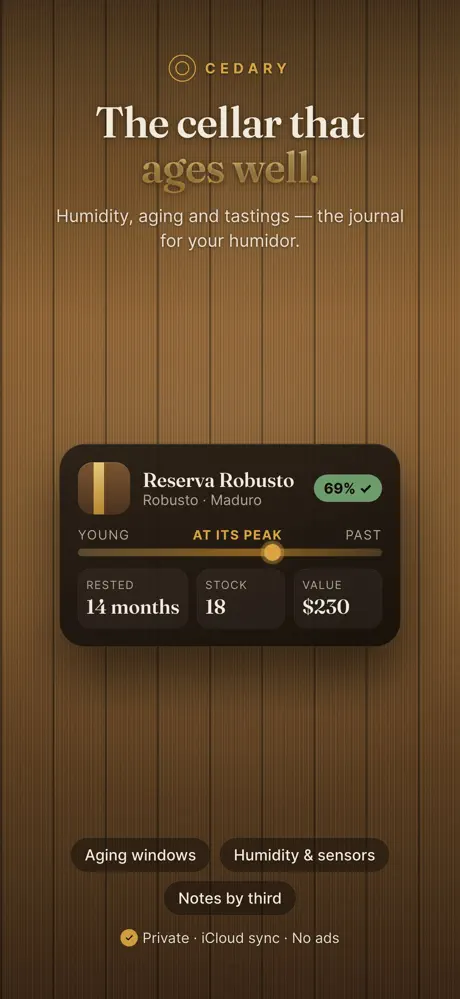
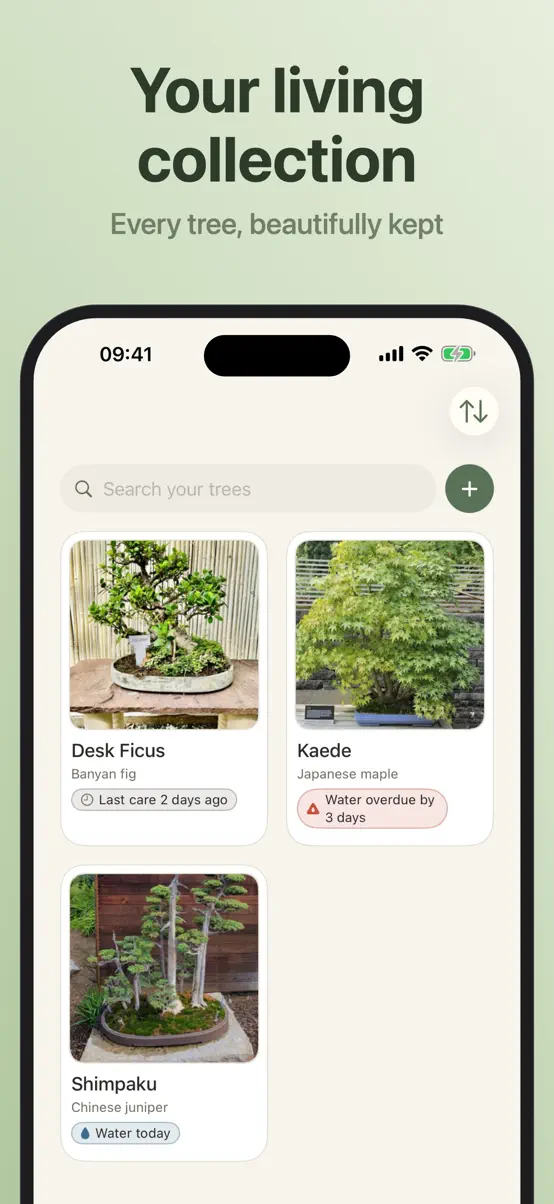
Every Develak app is designed in-house. These four show the range — from data-rich cellar logs to calm, photo-first journals:
FAQ
What teams ask us before starting a design project.
Ask your question Not covered here? Write to us — we answer every message ourselves.
contact@develak.comThe cost of iOS app design depends on the number of screens, states and platforms (iPhone, iPad, Mac). Develak quotes design as a fixed-scope project after a first call, either on its own or together with development.
Yes. We start from the Human Interface Guidelines and native components, then bring your brand on top. Apps that feel native are easier to use, faster to build and smoother through App Review.
UX design defines how the app works: user journeys, structure, onboarding and the order of every step. UI design defines how it looks and feels: typography, color, spacing, icons and motion. A good iOS app needs both, and we design them together.
Yes. The hand-off includes a design system, specifications and component names mapped to SwiftUI, so any iOS developer can build from it with confidence.
Yes. We design the icon together with the interface and deliver it in every required size, including the dark and tinted appearances introduced in recent versions of iOS.
Always. Dynamic Type, color contrast, VoiceOver labels and comfortable touch targets are planned from the first wireframe. It helps every user, not only people who rely on assistive technologies.
Yes. We start with an audit of your current app and its App Store reviews, then propose a redesign that keeps what users like and fixes what frustrates them.
Share your idea or your current app. We’ll tell you where design can make the biggest difference.