

Cragly
Climbing Log & Stats
Screenshots


Overview
ApexLap turns your iPhone into a lap timer for track days. It detects the start and finish line automatically, times every lap with millisecond interpolation, and saves each lap the instant it completes, so a crash or a dead battery never costs you your data.
The free version includes automatic timing, more than 500 built-in circuits worldwide, and full access to your lap history. “Apex Pro” adds full telemetry, video overlay export, lap comparison, and support for external GPS receivers and OBD-II data.
Your phone becomes a professional data-logger. ApexLap times every lap automatically the moment you cross the start line — reliably, every single time.
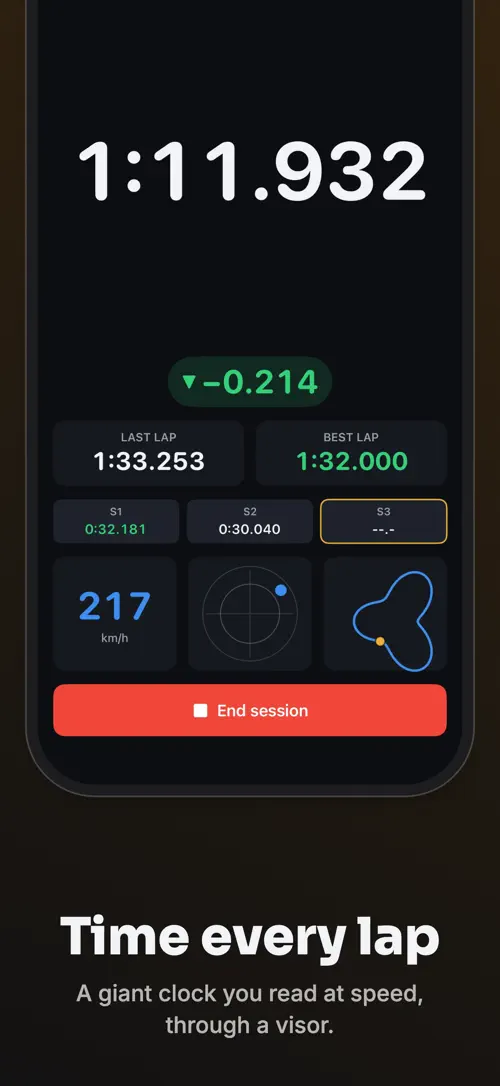
Built for track days: cars, motorcycles and karting. No manual needed, readable in full sun through a visor, usable with gloves.
Try Apex Pro free for 7 days with the yearly plan. Monthly and one-time lifetime options available.
Your location data stays on your device. No account, no tracking.
Terms of Use (EULA): https://www.apple.com/legal/internet-services/itunes/dev/stdeula/
Privacy Policy: https://develak.com/privacy-policy/
Highlights
ApexLap times every lap automatically on any track, saves your data instantly, and adds full telemetry, video overlays and GPS data with “Apex Pro”.
ApexLap detects the start and finish line automatically and times every lap with millisecond interpolation.
Each lap is saved the moment it completes, so a crash or dead battery never loses your data.
Cars, motorcycles and karting circuits are built in worldwide, with no second app to buy.
You can create your own start line for any track in seconds.
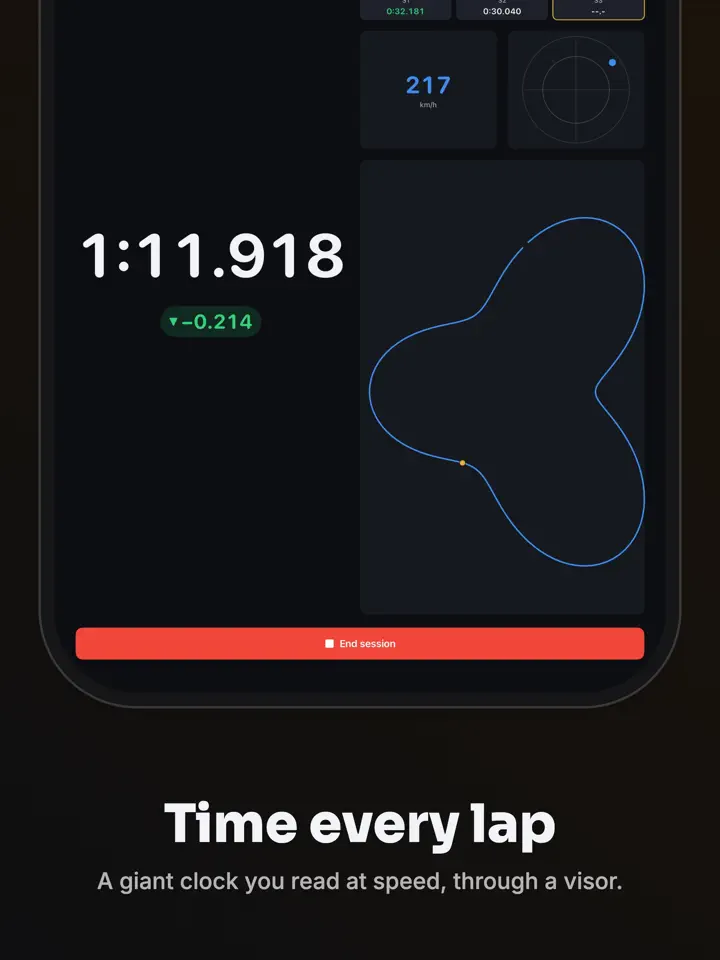
“Apex Pro” adds speed traces, G-force, auto sectors and a live delta against your best lap.
“Apex Pro” burns lap time, speed, G-force and a track map into your footage for export.
Who it’s for
For drivers who want automatic lap timing without setting up a manual trigger at every circuit.
For riders who need a lap timer that stays readable in full sun and usable with gloves.
For karters who want lap timing and telemetry built for kart tracks as well as car circuits.
For drivers who want to compare laps, track progression session after session, and export telemetry with “Apex Pro”.
How it works
From “Pick your circuit” to “Go further with “Apex Pro””, in 4 steps.
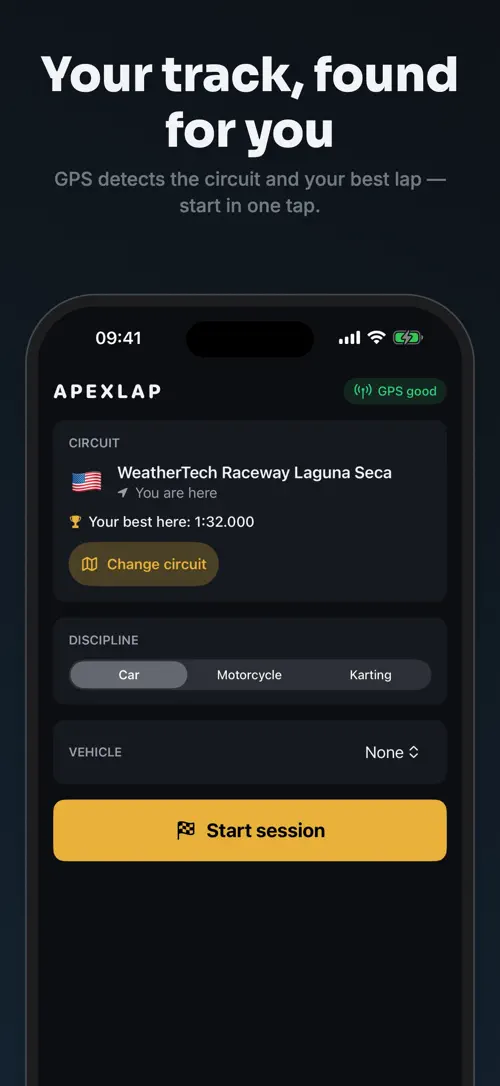
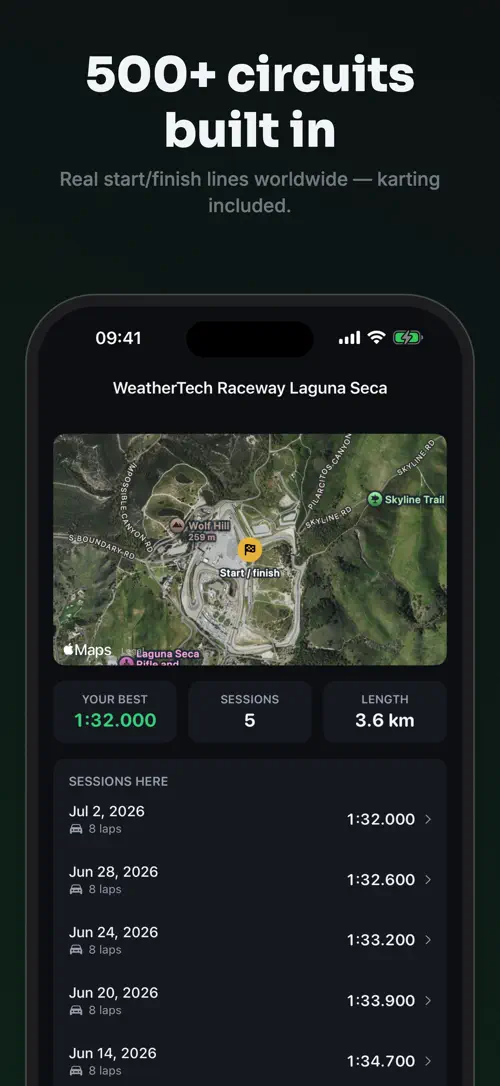
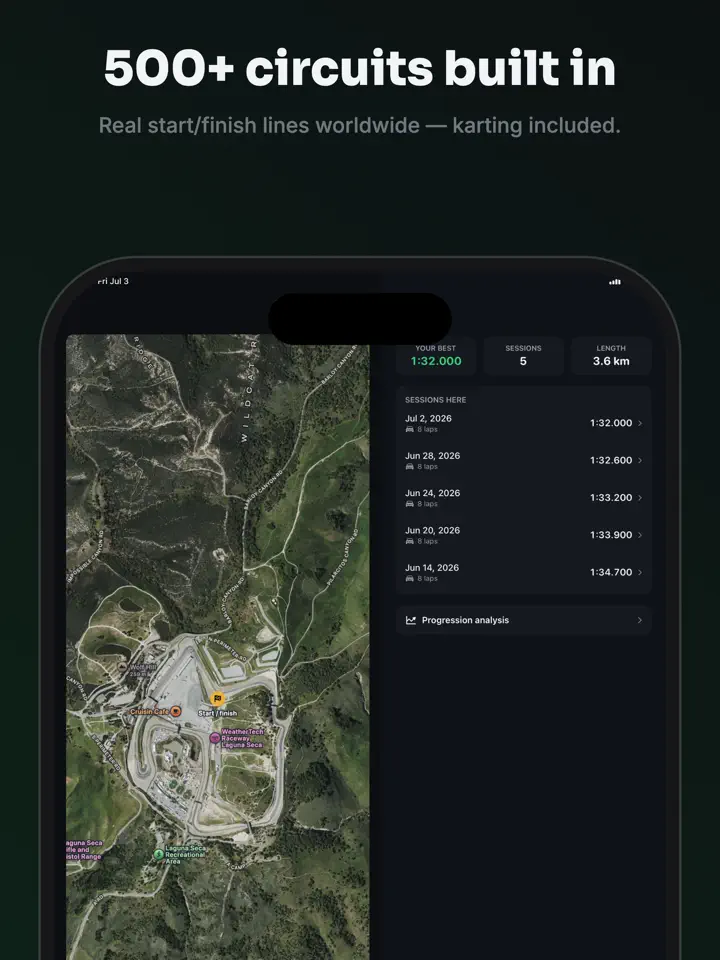
Choose from more than 500 built-in circuits, or create your own start line for any track in seconds.
ApexLap detects the start and finish line automatically and times every lap as you drive.
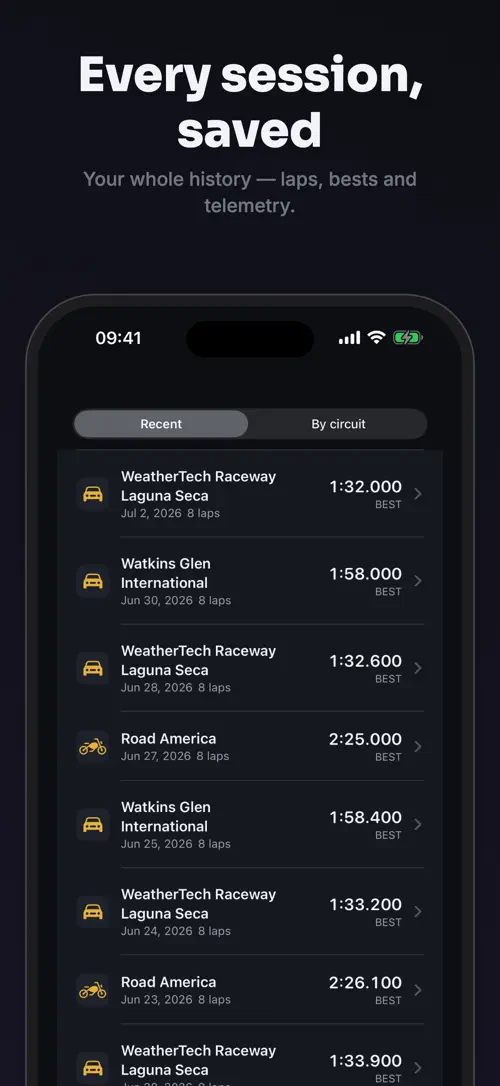
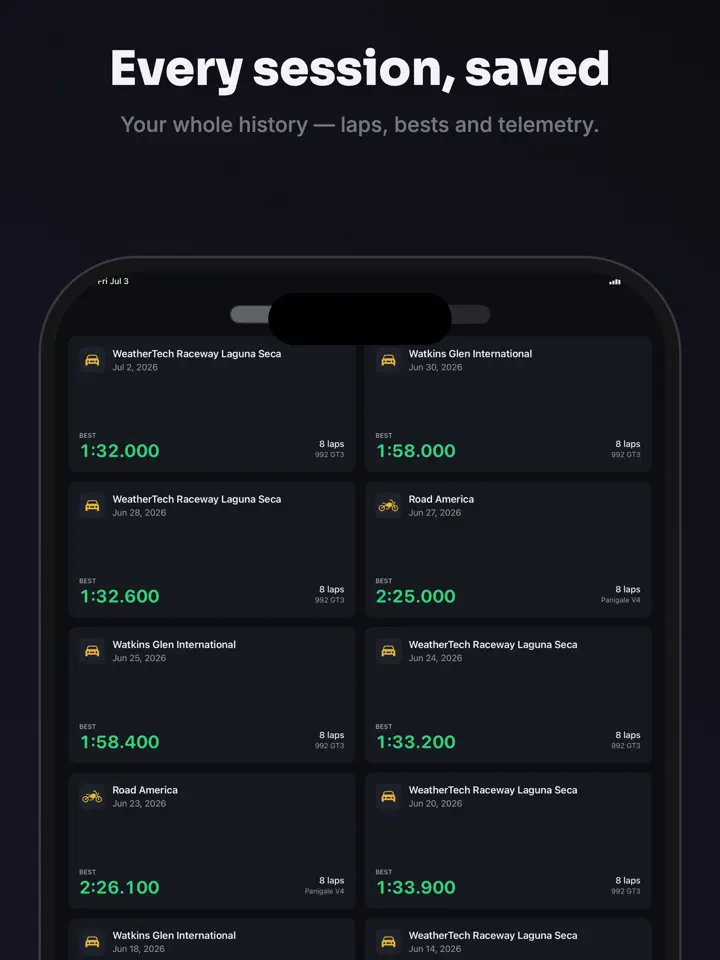
Laps are saved instantly and sorted by best time, with your best lap and theoretical best shown per session.
Add full telemetry, video overlay export, lap comparison and external GPS or OBD-II data with “Apex Pro”.
In depth
ApexLap uses your iPhone’s location to detect the moment you cross the start line and times every lap automatically from there, with millisecond interpolation for accuracy.
You do not need to press a button at the start or finish of a lap. The app is built to be readable in full sun through a visor and usable with gloves, so it works during a track session without slowing you down.
The free version includes automatic lap timing, more than 500 built-in circuits worldwide including karting tracks, and the ability to create your own start line for any track.
Sessions are organized per circuit, with laps sorted by best time, and your best lap and theoretical best calculated for each session. Your recorded laps, sessions and history stay accessible and are never locked behind a paywall.
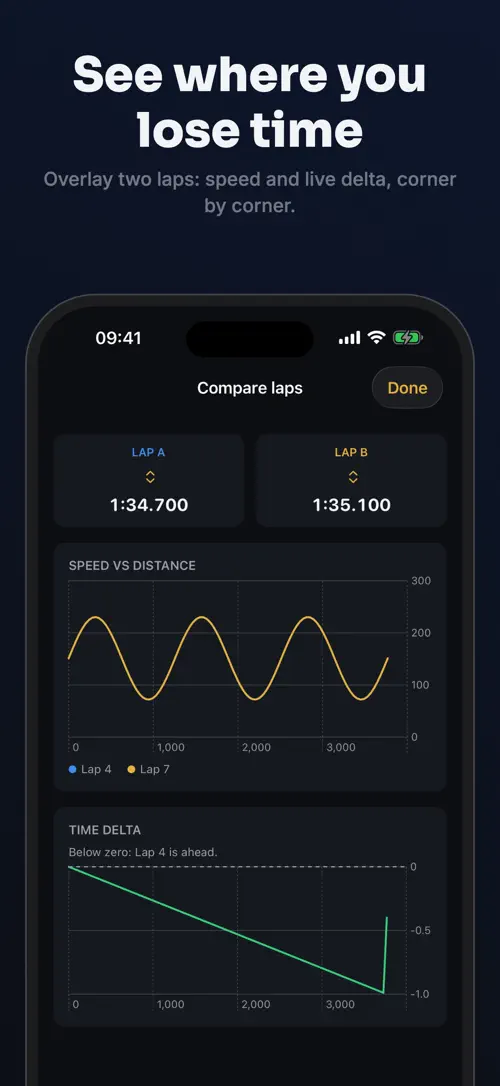
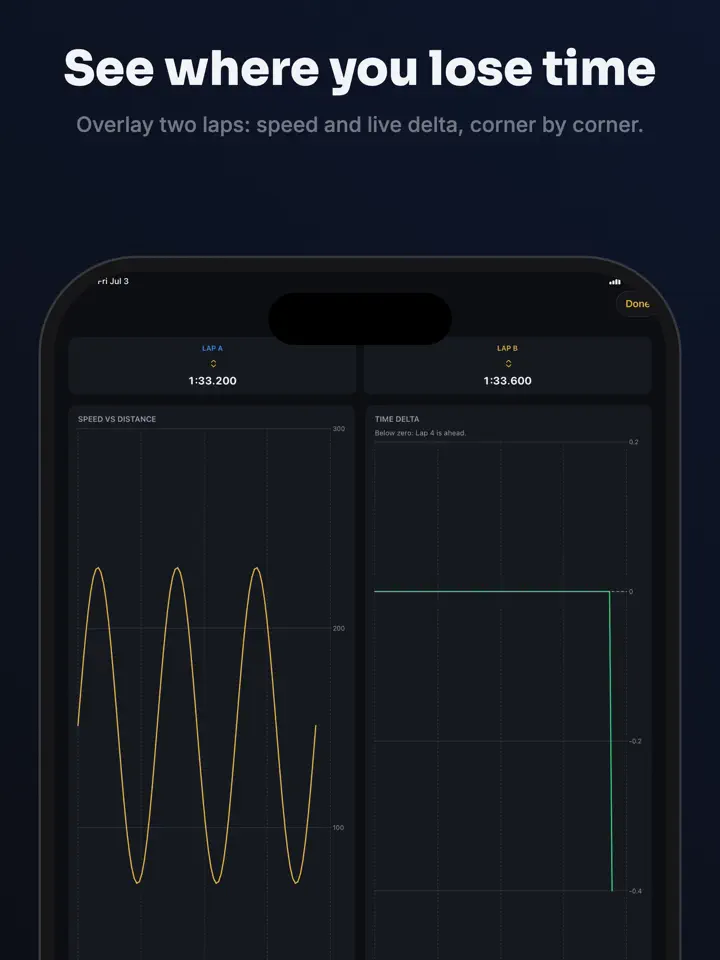
“Apex Pro” turns ApexLap into a full data-logger. It adds full telemetry with speed traces, G-force, automatic sectors and a live delta against your best lap, along with lap comparison to overlay two laps and see where time is gained or lost.
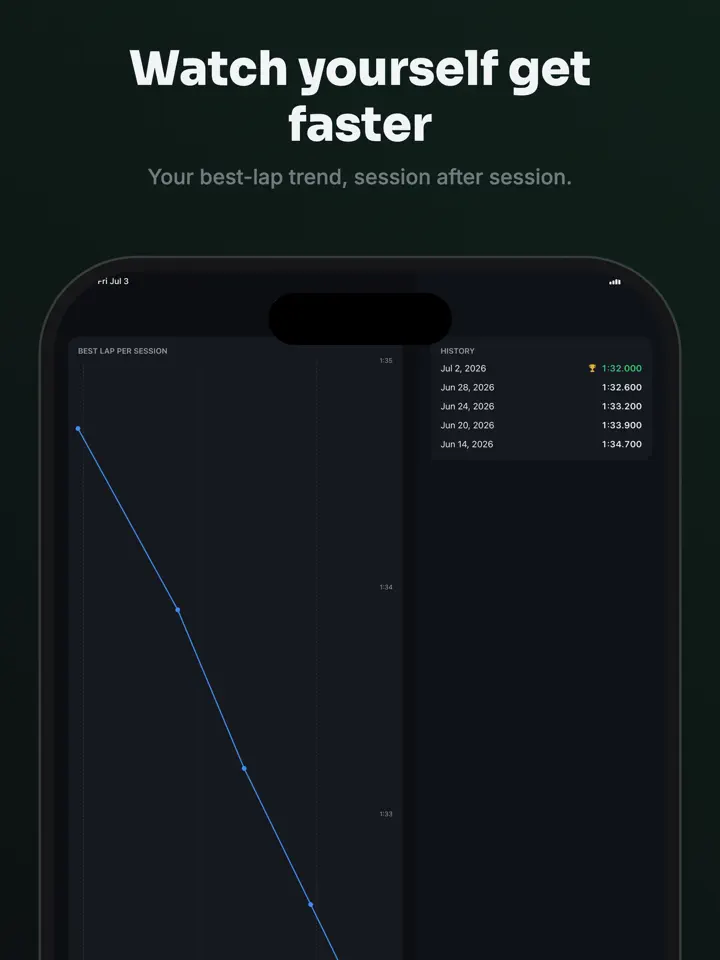
“Apex Pro” also exports video with lap time, speed, G-force and a track map burned into your footage, supports external 10 Hz GPS receivers such as RaceBox, Garmin GLO or Dual, and reads OBD-II engine data. It logs setup sheets with tires, pressures and settings for each session, tracks your progression per circuit over time, and lets you export data as CSV with unlimited custom circuits.
Release notes
Version
1.0
This is the first version of ApexLap, released on July 8, 2026.
FAQ
Something else? The ApexLap support page covers purchases, sync and settings, and lets you write to us directly.
Yes. ApexLap is free to download from the App Store. Optional in-app purchases unlock extra features; they are billed by Apple to your Apple Account, and you can manage them at any time in your account settings.
ApexLap works on iPhone and iPad with iOS 17.0 or later.
No. ApexLap detects the start and finish line and times your laps using your iPhone’s location, so it works on track without needing a connection.
Yes. You can create your own start line for any track in seconds, in addition to the more than 500 circuits already built into the app.
Each lap is saved the instant it completes, so a crash or a dead battery does not cause you to lose the laps you already recorded.
Yes. Your recorded laps, sessions and history are never locked behind a paywall, whether or not you use “Apex Pro”.
With “Apex Pro”, you can overlay two laps and see exactly where the time difference comes from.
With “Apex Pro”, you can export video with lap time, speed, G-force and a track map burned into your footage.
ApexLap is available in 44 languages: Arabic, Bangla, Catalan, Chinese (Simplified), Chinese (Traditional), Croatian, Czech, Danish, Dutch, English, Finnish, French, German, Greek, Gujarati, Hebrew, Hindi, Hungarian, Indonesian, Italian, Japanese, Kannada, Korean, Malay, Malayalam, Marathi, Norwegian Bokmål, Odia, Polish, Portuguese, Punjabi, Romanian, Russian, Slovak, Slovenian, Spanish, Swedish, Tamil, Telugu, Thai, Turkish, Ukrainian, Urdu and Vietnamese.
Visit the ApexLap support page: it answers common questions about purchases, sync and settings, and has a contact form. You can also write to contact@develak.com. We read every message and reply personally.
Made by Develak
We design and build native iPhone, iPad and Mac apps for founders and companies, with the same care we put into our own. Tell us about your idea.