


Appviary
App Sales Dashboard

Developer Tools
Localize xcstrings
AI translations for your Xcode String Catalogs, right on your Mac
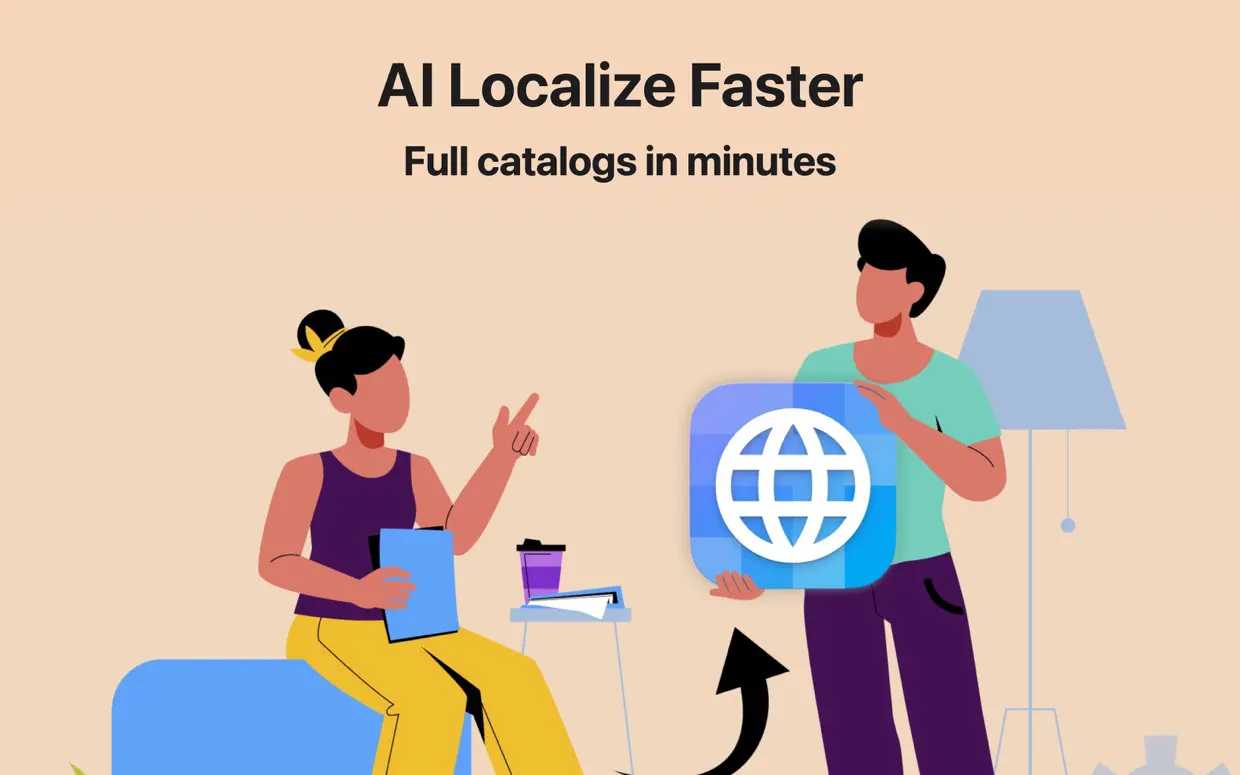
Xlocalize is a Mac app made by Develak that uses AI to translate Xcode “.xcstrings” String Catalogs, built for iOS, macOS, watchOS, and visionOS developers who want to localize faster.
Screenshots
Overview
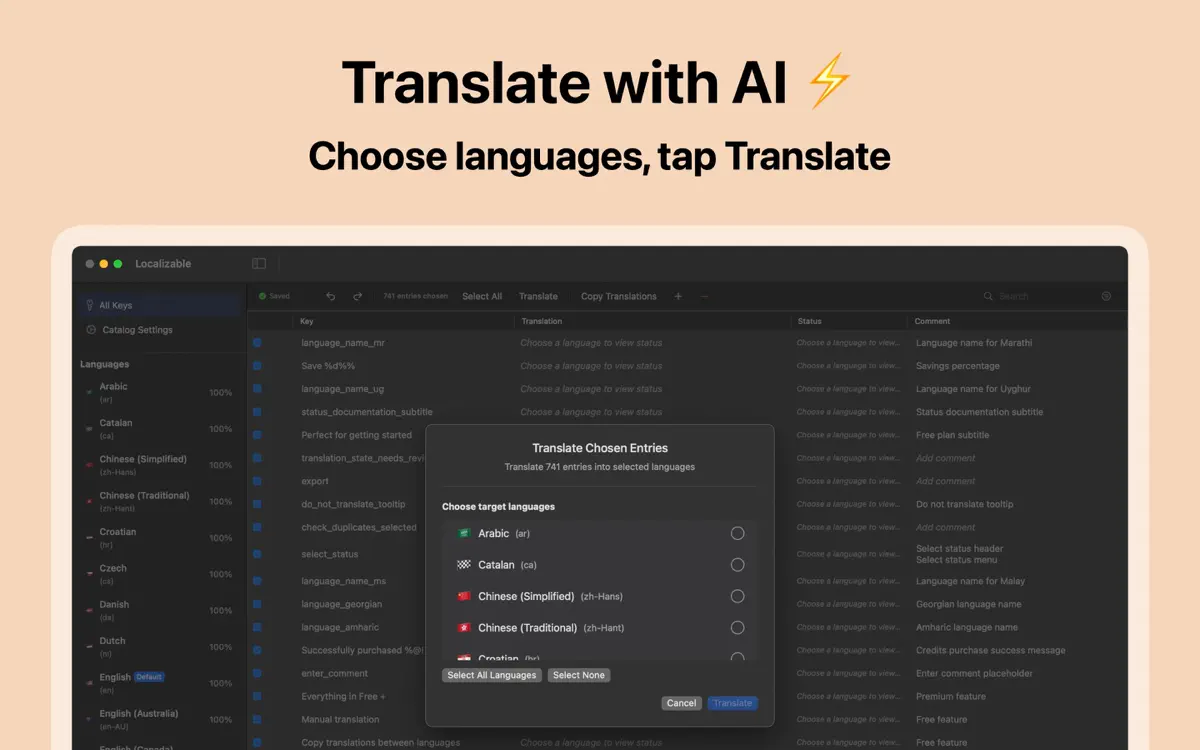
Xlocalize opens your Xcode “.xcstrings” String Catalog and lets OpenAI (GPT-5, GPT-4o), Anthropic Claude, or Google Gemini fill in accurate, context-aware translations in seconds, without leaving Xcode’s native format.
Built for developers who ship apps in many languages, Xlocalize handles plurals, device variations, and substitutions losslessly, so you can translate hundreds of keys in one pass and get back to writing code.
Xlocalize translates your Xcode String Catalogs (.xcstrings) with AI — directly on your Mac.
Open a .xcstrings file, pick your target languages, and let OpenAI (GPT), Anthropic Claude, or Google Gemini fill in accurate, context-aware translations in seconds. Built for iOS, macOS, watchOS and visionOS developers who want to localize faster without leaving Xcode’s native format.
Localize your app into 40+ languages and ship sooner. Download Xlocalize and turn your String Catalog into a fully translated app today.
Premium is an auto-renewable subscription (monthly or yearly) billed to your Apple Account. It renews automatically unless cancelled at least 24 hours before the end of the current period. Manage or cancel anytime in your Apple Account settings.
Terms of Use (EULA): https://www.apple.com/legal/internet-services/itunes/dev/stdeula/
Highlights
Xlocalize translates Xcode String Catalogs with OpenAI, Claude, or Gemini directly on your Mac, preserving plurals, variations, and context.
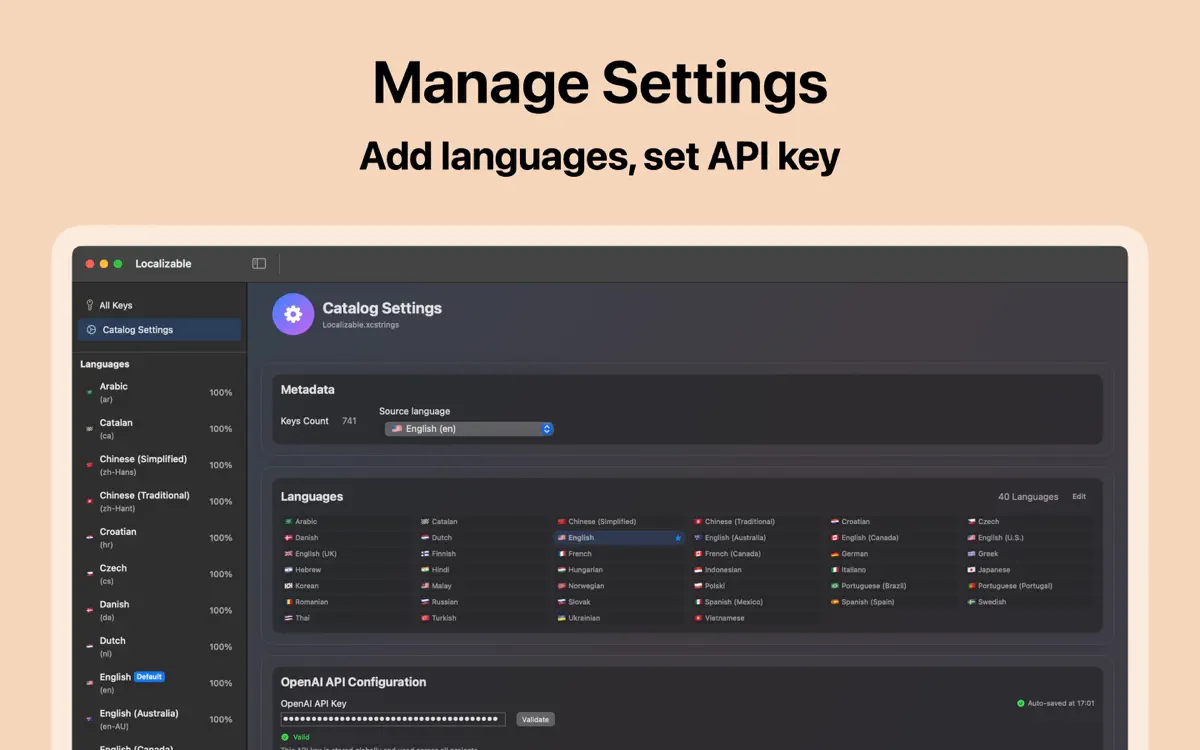
Choose OpenAI (GPT-5, GPT-4o), Anthropic Claude, or Google Gemini, with available models detected automatically from your API key.
Plurals, device variations, and substitutions are preserved losslessly in Xcode’s native “.xcstrings” format.
Per-key comments are used as context so translations match the meaning you intended.
Translate hundreds of keys across many languages in one pass, with smart rate limiting to stay within your provider’s limits.
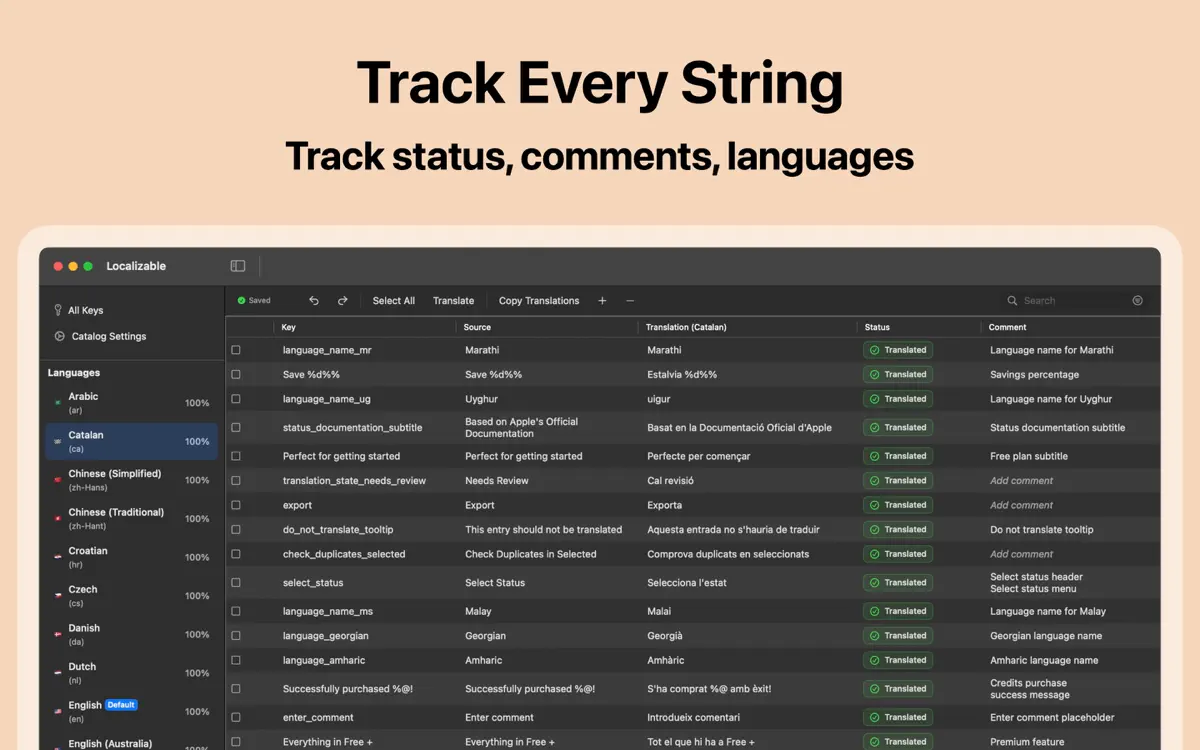
Xlocalize flags placeholder mismatches, untranslated copies, and missing translations before you ship.
No account is required, your API key stays in the macOS Keychain, and source strings are only sent to the provider you choose.
Who it’s for
Anyone shipping an Xcode project with a “.xcstrings” catalog who wants translations without leaving Xcode’s native format.
Xlocalize lets a single developer translate an entire app into many languages using AI instead of hiring translators for every release.
Bulk translation across languages in one pass suits teams that need to keep dozens of locales in sync.
If your project already stores strings in “.xcstrings” files, Xlocalize works directly with that format instead of a separate export.
How it works
From “Open your String Catalog” to “Review and refine”, in 5 steps.
Open the “.xcstrings” file from your Xcode project directly in Xlocalize.
Select which languages you want to translate into from your project’s catalog.
Choose OpenAI, Anthropic Claude, or Google Gemini and enter your own API key, stored securely in the macOS Keychain.
Start the batch and watch the progress bar track completed keys and any failures as they happen.
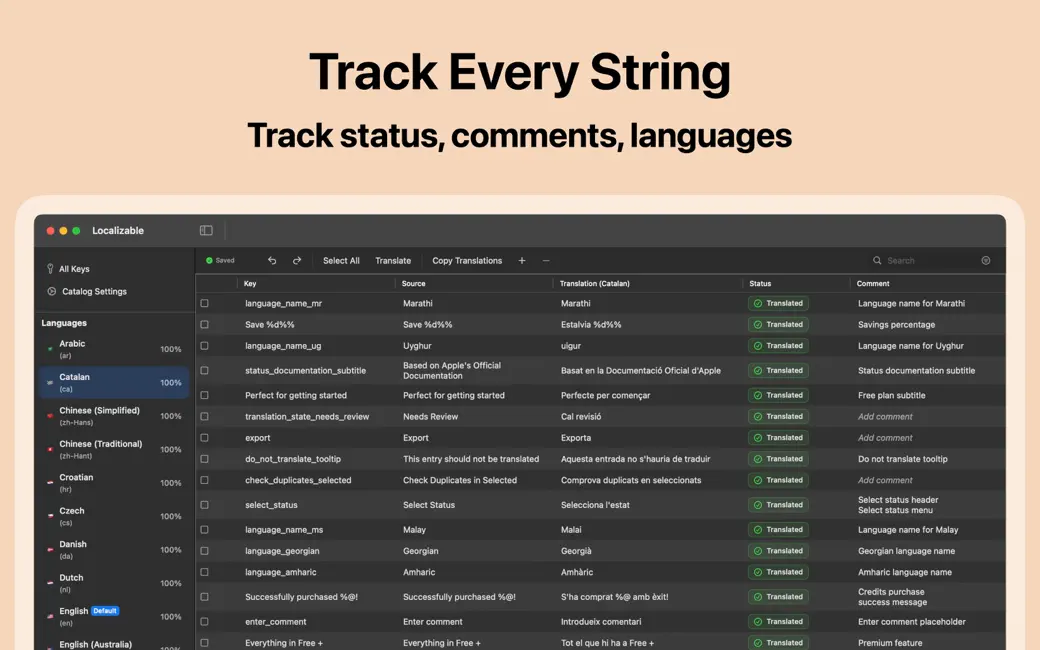
Check validation hints, mark keys as “new,” “translated,” or “don’t translate,” and copy translations between languages as needed.
In depth
An Xcode String Catalog is Apple’s native format for storing all the translatable text in an app, including plurals, device variations, and substitutions, in a single “.xcstrings” file.
Xlocalize opens this file directly and edits it in place, so translations you add stay in the same format Xcode already understands, with no separate export or import step.
String Catalogs can store different text for singular and plural cases, and for different device types, within the same key. Xlocalize’s editor is built natively around this structure.
When you translate a key, plurals, device variations, and substitutions are preserved losslessly rather than flattened into plain text, so the catalog keeps working correctly across every device and count.
Xlocalize does not require an account. You bring your own API key for OpenAI, Anthropic Claude, or Google Gemini, and that key is stored securely in the macOS Keychain and never shared.
Your source strings are sent only to the AI provider you choose, and only at the moment you run a translation, not continuously or in the background.
Release notes
Version
1.5.1
What’s new in 1.5.1:
FAQ
Something else? The Xlocalize support page covers purchases, sync and settings, and lets you write to us directly.
Yes. Xlocalize is free to download from the App Store. Optional in-app purchases unlock extra features; they are billed by Apple to your Apple Account, and you can manage them at any time in your account settings.
Xlocalize works on Mac with macOS 14.0 or later.
Xlocalize sends your source strings, along with any per-key comments for context, to the AI provider you choose, then writes the returned translations back into your “.xcstrings” file.
Xlocalize supports OpenAI (including GPT-5 and GPT-4o), Anthropic Claude, and Google Gemini. Available models are detected automatically from your own API key.
Yes. Xlocalize can translate hundreds of keys across many languages in one pass, running each language in order with accurate progress and a correct completion percentage.
Xlocalize now tells you exactly why a translation could not be completed, such as no API credit left, an unsupported model, or a network problem, and the progress bar counts failures as they happen instead of appearing to succeed.
Yes. Xlocalize supports full undo and redo for every edit, including batch operations from a translation run.
Comments attached to each key in your String Catalog are sent to the AI provider as context, which helps produce more accurate, meaning-aware translations.
Xlocalize is available in 33 languages: Arabic, Catalan, Chinese (Simplified), Chinese (Traditional), Croatian, Czech, Danish, Dutch, English, Finnish, French, German, Greek, Hebrew, Hindi, Hungarian, Indonesian, Italian, Japanese, Korean, Malay, Norwegian Bokmål, Polish, Portuguese, Romanian, Russian, Slovak, Spanish, Swedish, Thai, Turkish, Ukrainian and Vietnamese.
Visit the Xlocalize support page: it answers common questions about purchases, sync and settings, and has a contact form. You can also write to contact@develak.com. We read every message and reply personally.
Made by Develak
We design and build native iPhone, iPad and Mac apps for founders and companies, with the same care we put into our own. Tell us about your idea.