

Corkwell
Wine Cellar Manager
Screenshots


Overview
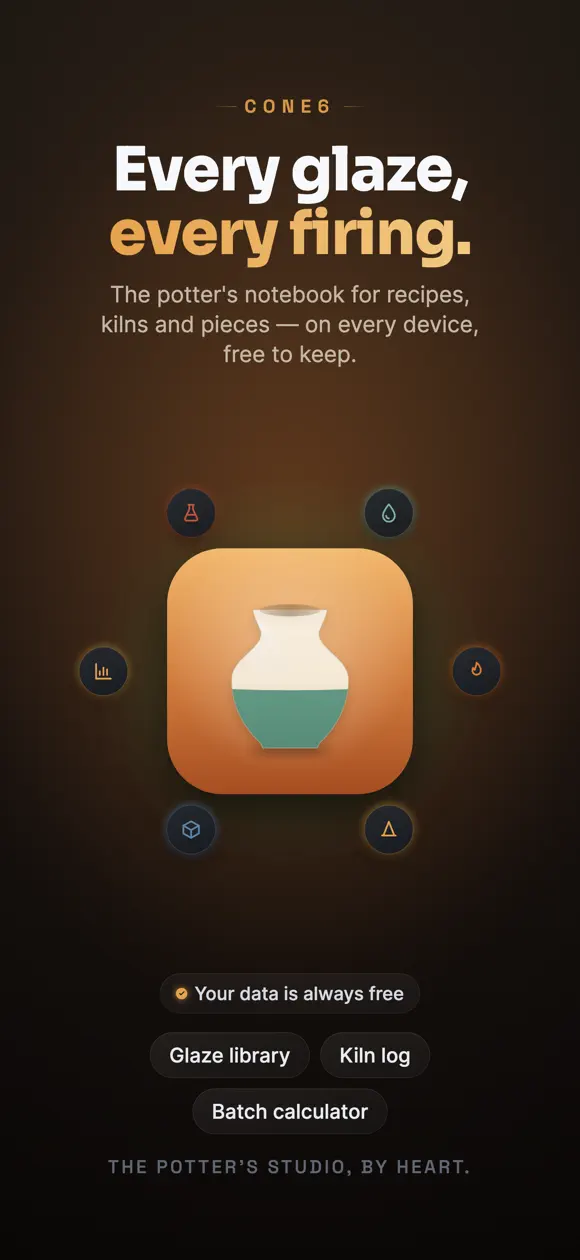
Cone6 turns your phone into a ceramic artist’s studio notebook. Save every glaze recipe with its ingredients, percentages, cone and surface, then log each firing with its ramp curve, atmosphere and kiln profile.
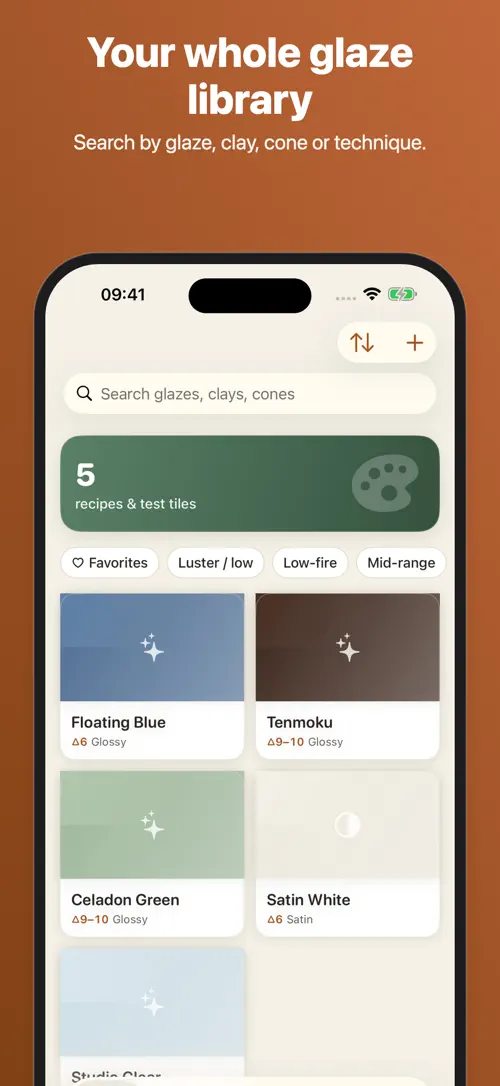
Search your glaze library by cone, clay or technique, track pieces from forming to finished, and keep your data synced through iCloud on every device, always backed up for free.
Cone6 is the potter’s studio notebook — glaze recipes, kiln logs and pieces, kept precise like a studio instrument. Built for ceramic artists who want their chemistry and firings in one beautiful, searchable place.
FREE iCLOUD SYNC & BACKUP — ALWAYS
Your recipes, firings and pieces sync across every device and are backed up for free. We never lock your data behind a subscription.
Unlock the batch calculator, advanced firing curves, materials inventory and analytics with Cone6 Pro — monthly, annual (with a 7-day free trial) or a one-time lifetime purchase. Your data and sync are always free.
Made by potters, for potters.
Terms of Use (EULA): https://www.apple.com/legal/internet-services/itunes/dev/stdeula/
Highlights
Cone6 is a free iPhone and iPad app for logging glaze recipes, kiln firings and pieces, with free iCloud sync and optional “Cone6 Pro” tools.
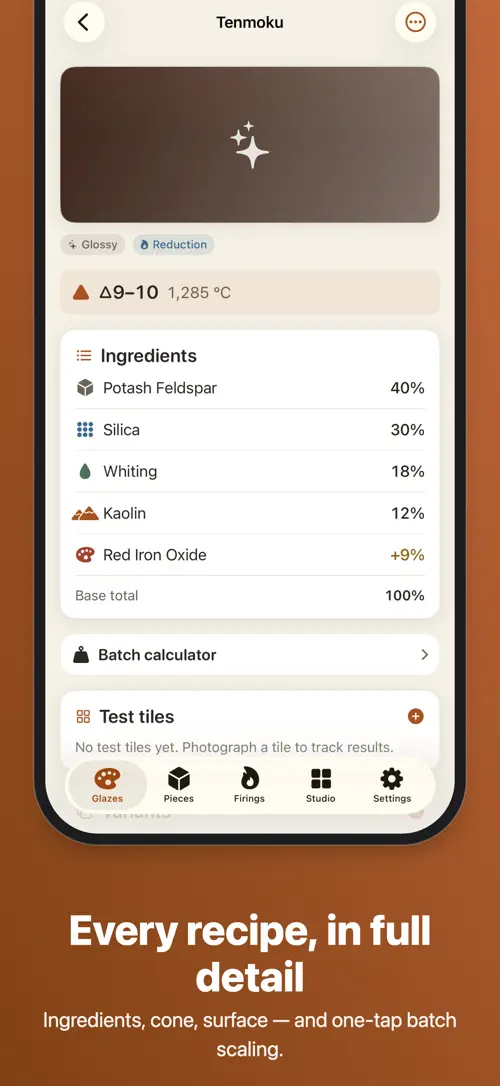
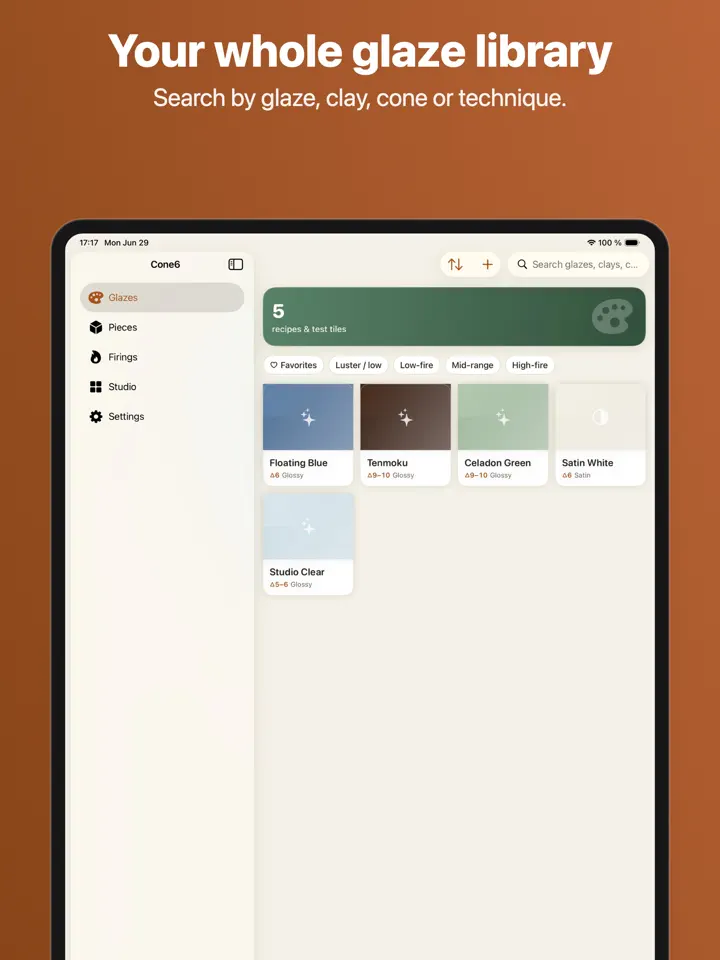
Save recipes with ingredients, percentages, cone, surface and source, and search them by glaze, clay, cone or technique.
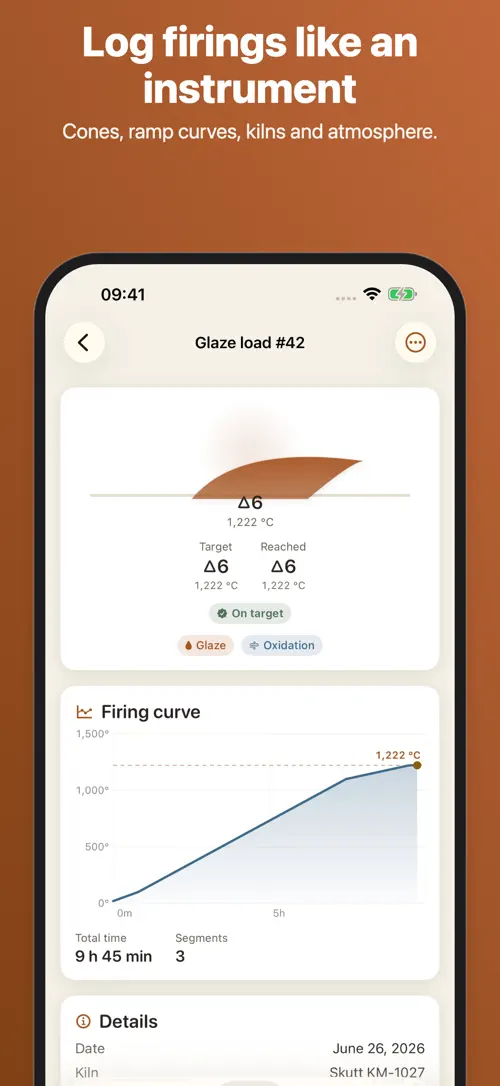
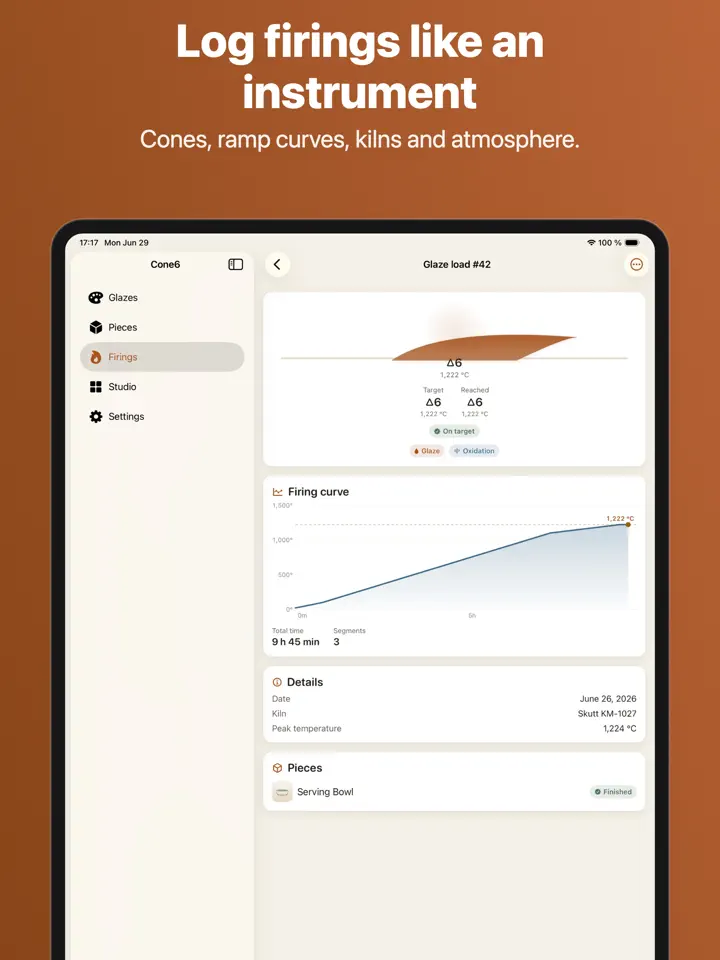
Record Orton cones, ramp curves, kiln type and atmosphere, from oxidation and reduction to raku and salt.
Save kiln profiles and track element wear across firings.
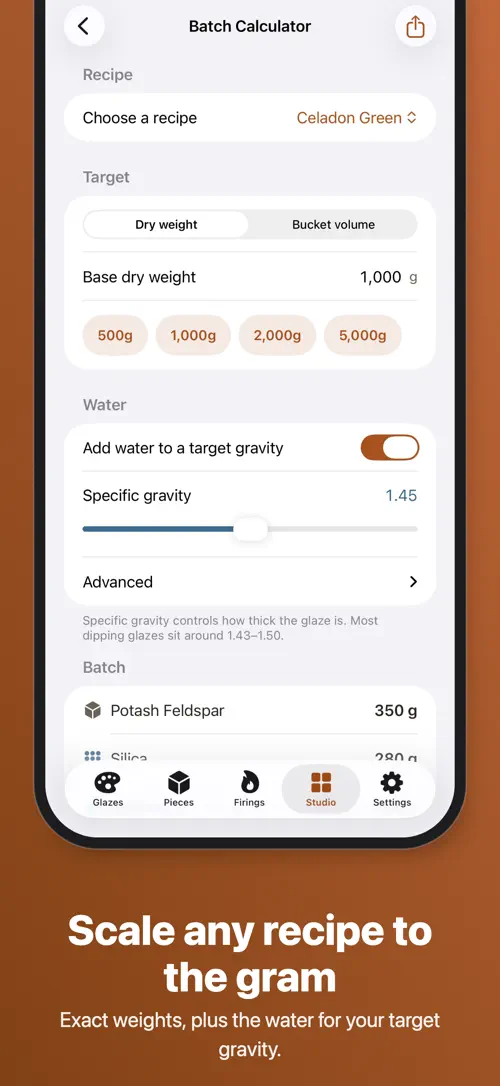
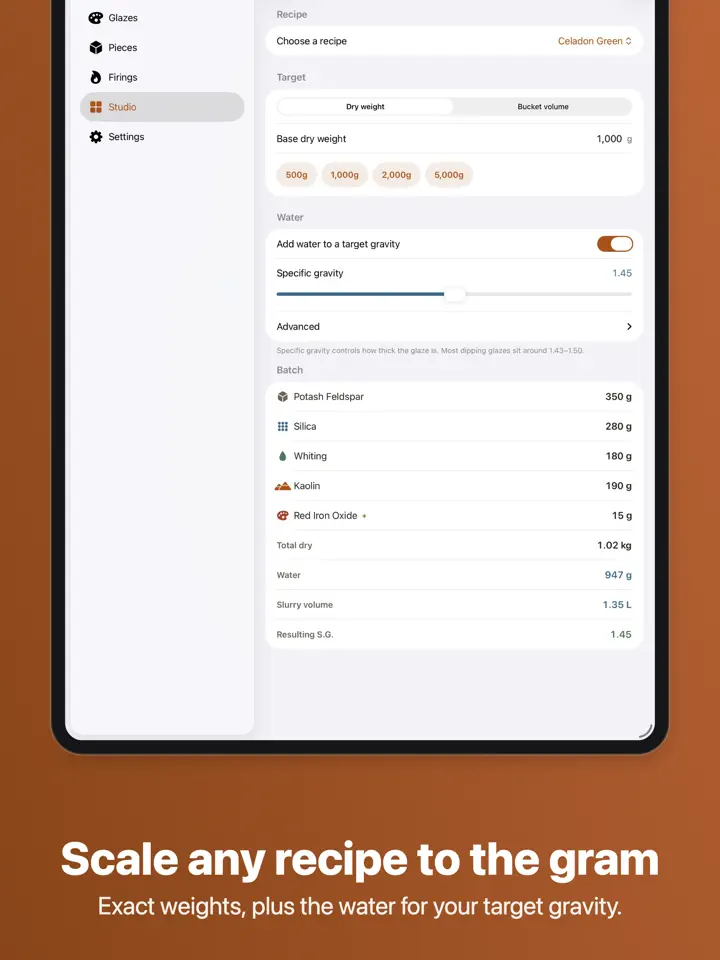
Scale any recipe to the gram, from target volume to exact materials and the water for your specific gravity.
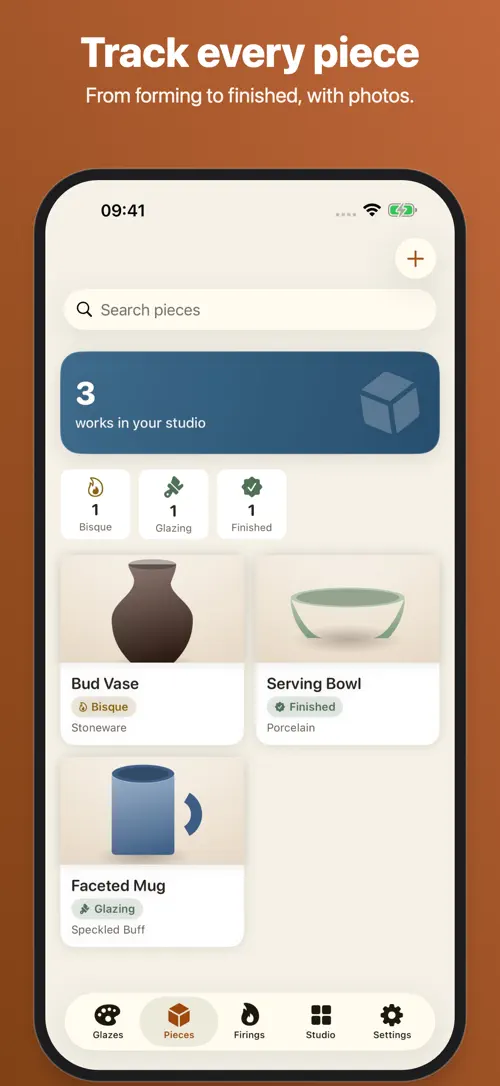
Follow each piece from forming through bisque, glazing, firing and finished, with photos at every stage.
Your recipes, firings and pieces sync across every device and are backed up for free.
Who it’s for
For potters who want their glaze chemistry and firing history organized in one searchable place.
For students learning glaze chemistry who want to track test tiles and compare results by cone and kiln.
For potters running batches who need to scale recipes precisely and watch cost per piece.
For artists working in a shared studio who want to find their own pieces and track their own results.
How it works
From “Add a glaze recipe” to “Review your results”, in 4 steps.
Enter ingredients, percentages, cone, surface and source, then search your library anytime by glaze, clay, cone or technique.
Record Orton cones, ramp curve, kiln type and atmosphere, and reuse a saved kiln profile.
Follow it through forming, bisque, glazing, firing and finished, with photos at each stage.
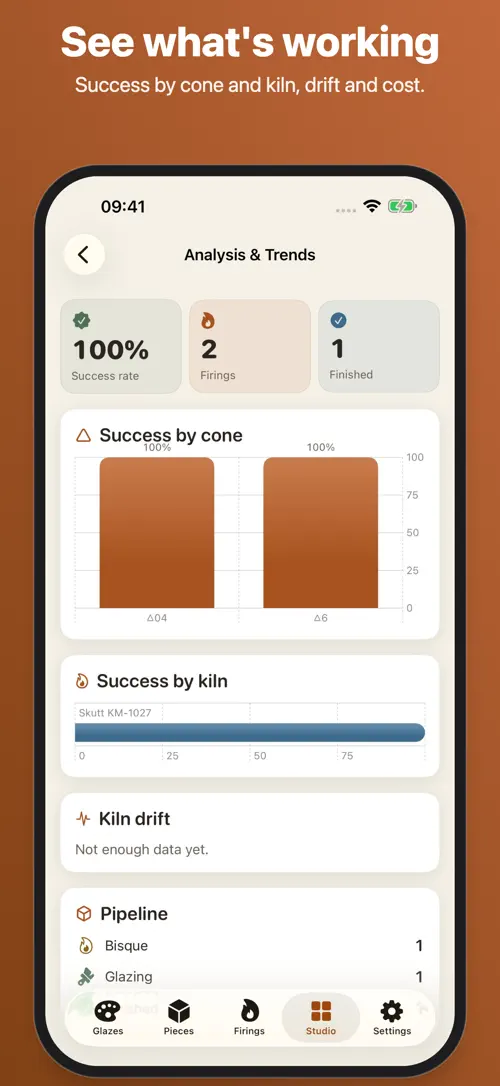
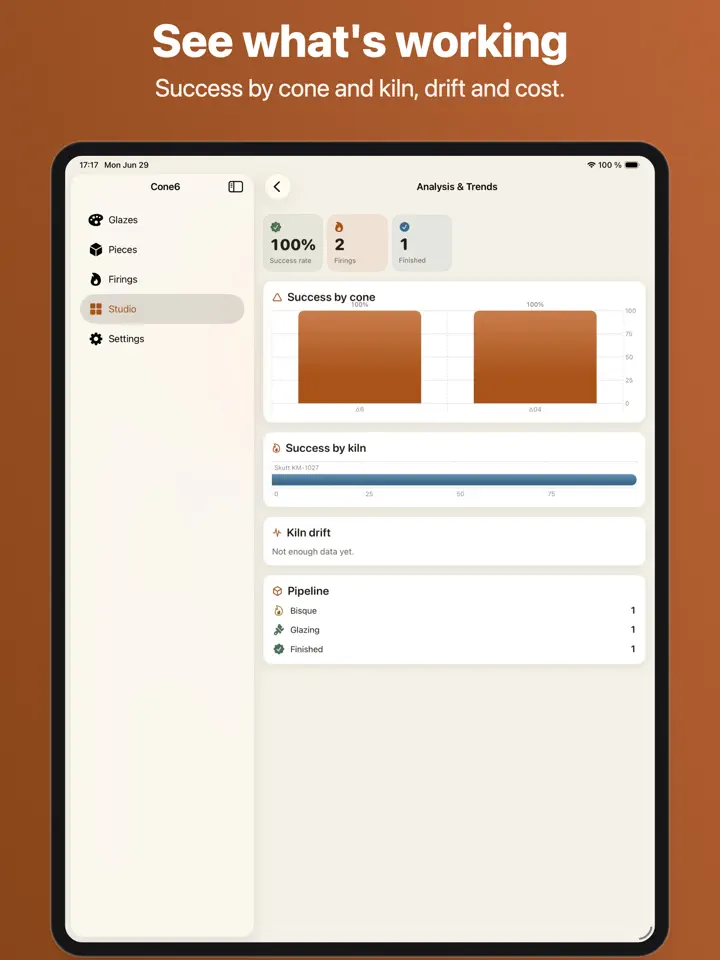
Check success rate by cone and kiln, kiln drift over time and cost per piece.
In depth
Cone6 lets you log each firing the way a studio instrument would. You record the Orton cones reached, the ramp curve with per-hour rates and holds, controlled cooling, the kiln type and the atmosphere, whether oxidation, reduction, raku or salt.
Save a kiln profile once and reuse it for future firings, and track element wear over time so you know when your kiln needs attention.
The batch calculator scales any recipe to the gram. Enter a target volume and Cone6 works out the exact materials plus the water needed for your specific gravity.
You can also fork a base recipe into variants, compare them side by side and keep track of the lineage between them. The batch calculator and recipe variants are part of Cone6 Pro.
Every recipe in your glaze library includes its ingredients, percentages, cone, surface and source, so you always know how a glaze was made. You can search by glaze, clay, cone or technique, and this search is always free.
Photograph your test tiles and track their results by kiln, temperature and atmosphere, building a visual record of what actually worked.
Release notes
Version
1.0
The release notes of this version are available on the App Store.
FAQ
Something else? The Cone6 support page covers purchases, sync and settings, and lets you write to us directly.
Yes. Cone6 is free to download from the App Store. Optional in-app purchases unlock extra features; they are billed by Apple to your Apple Account, and you can manage them at any time in your account settings.
Cone6 works on iPhone and iPad with iOS 17.0 or later.
Cone6 is a free download. Its glaze library, search, firing logs, piece tracking and iCloud sync are always free, while “Cone6 Pro” unlocks additional tools.
“Cone6 Pro” unlocks the batch calculator, advanced firing curves, materials inventory and analytics. It is offered monthly, annually with a 7-day free trial, or as a one-time lifetime purchase.
Yes. Your recipes, firings and pieces sync across every device through iCloud and are backed up for free, whether or not you use “Cone6 Pro”.
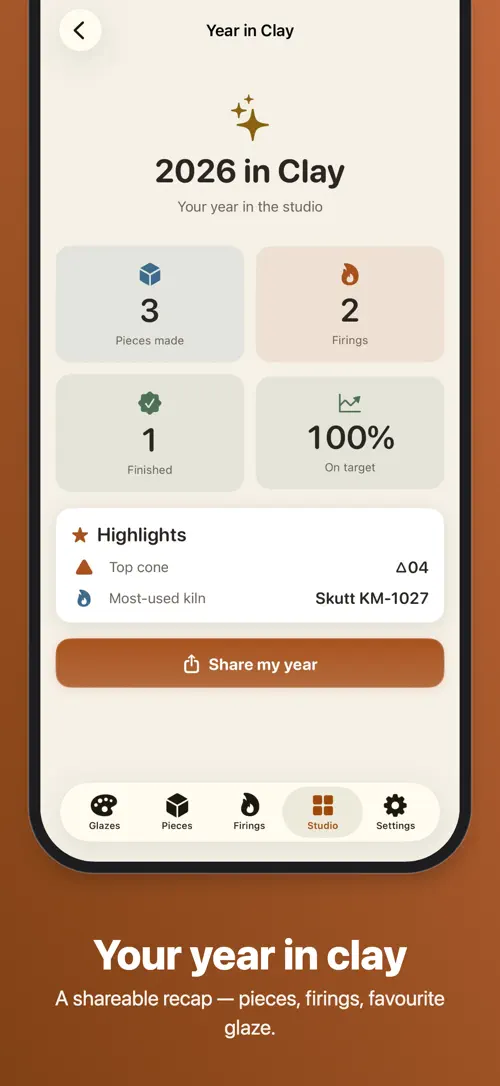
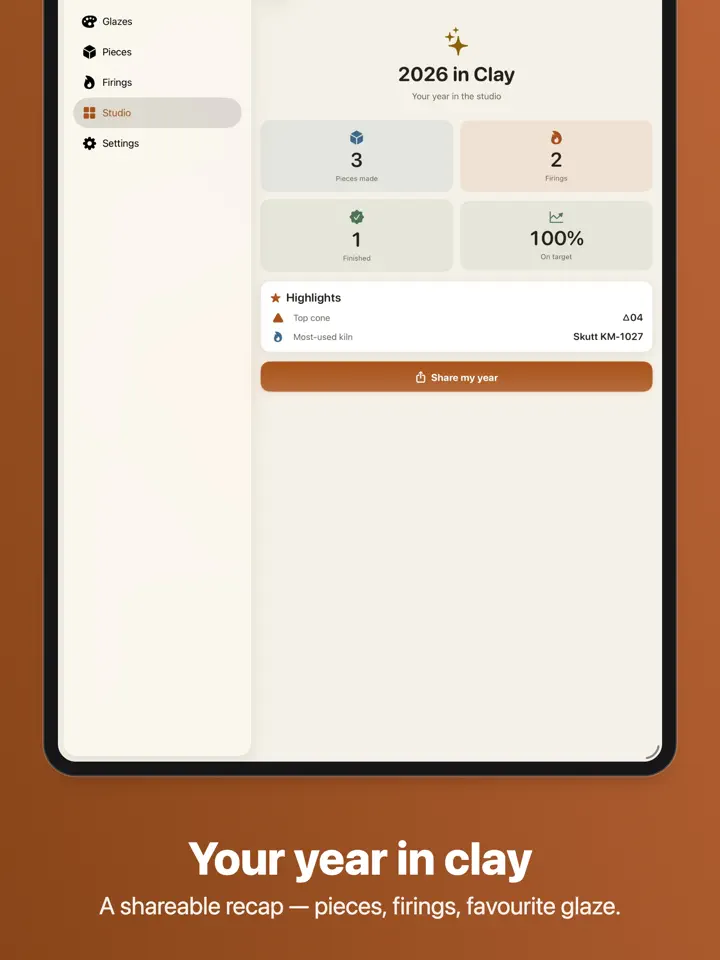
Yes, Cone6 lets you export your “year in clay” recap as a shareable file, with CSV and PDF export.
You photograph your test tiles inside Cone6 and record their results by kiln, temperature and atmosphere alongside the recipe.
A recipe variant lets you fork a base glaze recipe, compare it side by side with the original and keep track of the lineage between versions.
Cone6 is available in 44 languages: Arabic, Bangla, Catalan, Chinese (Simplified), Chinese (Traditional), Croatian, Czech, Danish, Dutch, English, Finnish, French, German, Greek, Gujarati, Hebrew, Hindi, Hungarian, Indonesian, Italian, Japanese, Kannada, Korean, Malay, Malayalam, Marathi, Norwegian Bokmål, Odia, Polish, Portuguese, Punjabi, Romanian, Russian, Slovak, Slovenian, Spanish, Swedish, Tamil, Telugu, Thai, Turkish, Ukrainian, Urdu and Vietnamese.
Visit the Cone6 support page: it answers common questions about purchases, sync and settings, and has a contact form. You can also write to contact@develak.com. We read every message and reply personally.
Made by Develak
We design and build native iPhone, iPad and Mac apps for founders and companies, with the same care we put into our own. Tell us about your idea.