

Fosterwell
Foster Care Log

Productivity & Utilities
Pomodoro Timer
A calm Pomodoro timer that grows a forest with every session you complete
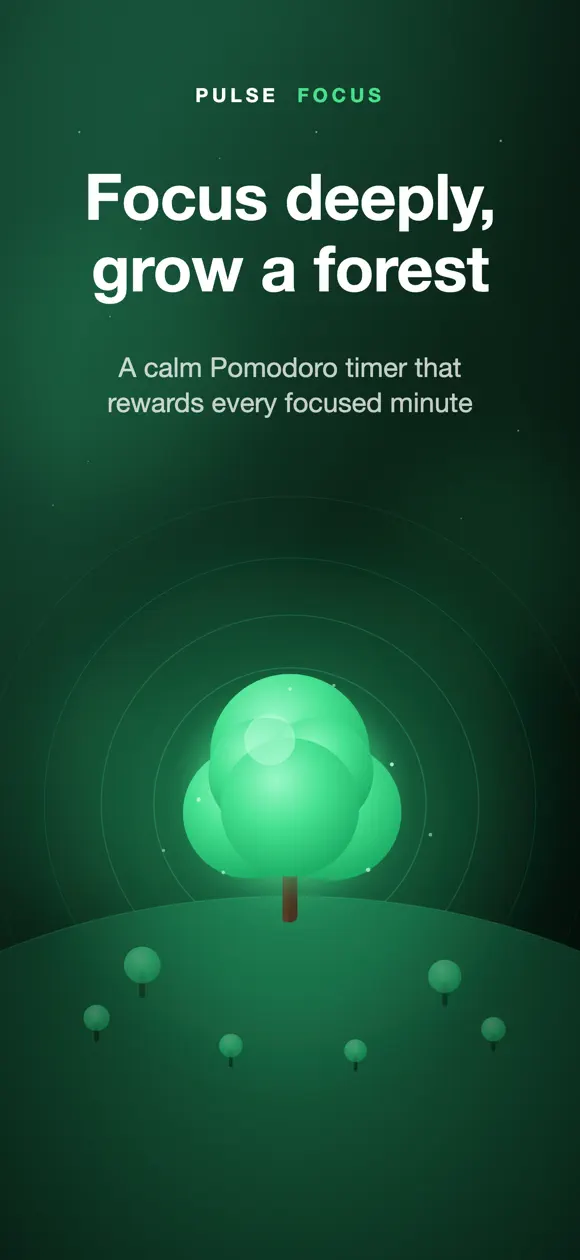
Pulse Focus is a Pomodoro timer for iPhone and iPad that turns focused work into a growing forest, built for anyone who wants a calmer way to get things done. It’s an iPhone app made by Develak.
Screenshots


Overview
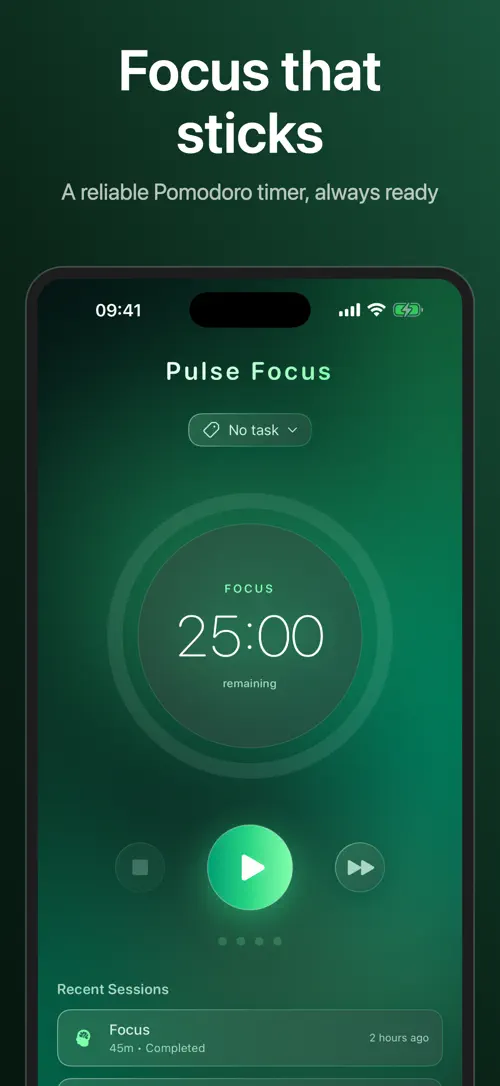
Pulse Focus turns your workday into a simple rhythm of focus and rest. Set a timer, work through a Pomodoro session, then take a break before starting again, all while a tree grows in your own forest with every minute you stay on task.
Beyond the timer, Pulse Focus lets you attach tasks with priorities to each session, follow your progress in daily, weekly and monthly charts, and choose from calming sounds and themes that make focusing feel less like a chore.
Pulse Focus turns your work into a calm, rewarding ritual. Break your day into focused Pomodoro sessions and restorative breaks — and watch a beautiful forest grow with every minute you focus.
Pulse Focus Pro unlocks all themes, the rain & ocean sounds, unlimited tasks, the Month stats view, CSV/JSON export and your growing forest. It’s an auto-renewable subscription (or a one-time lifetime purchase); your subscription renews unless cancelled at least 24 hours before the end of the period, and you can manage it in your Apple Account settings.
Pulse Focus: Pomodoro Timer — make every minute of focus count.
Terms of Use (EULA): https://www.apple.com/legal/internet-services/itunes/dev/stdeula/
Highlights
Pulse Focus is a Pomodoro timer for iPhone and iPad that grows a forest as you focus, with tasks, breathing breaks, charts and CSV or JSON export.
The timer keeps counting accurately even when Pulse Focus is running in the background, so your session never loses track.
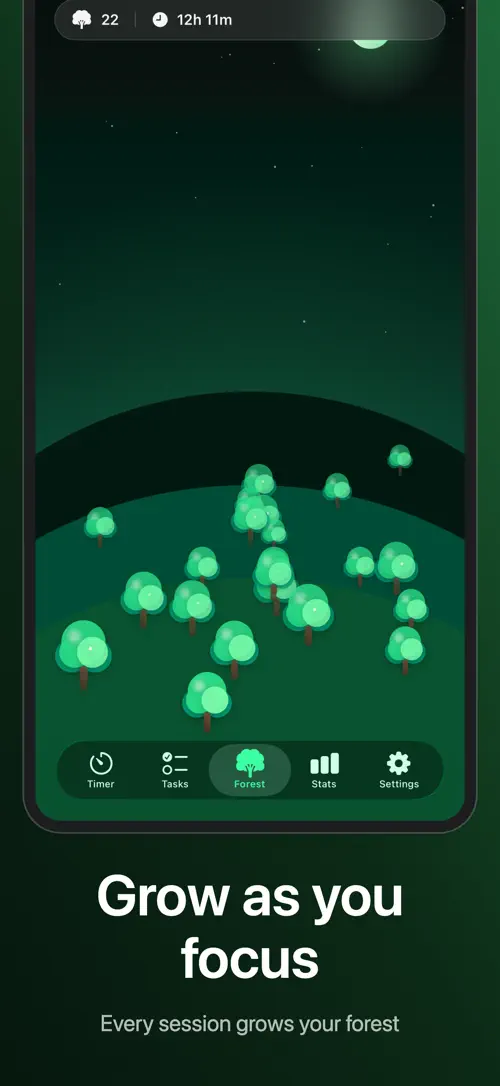
Every completed focus session plants a tree in your own forest, giving you a visual record of the time you’ve put in.
Reset between sessions with a guided breathing exercise timed to a 5-second inhale and a 5-second exhale, or simply take a normal break.
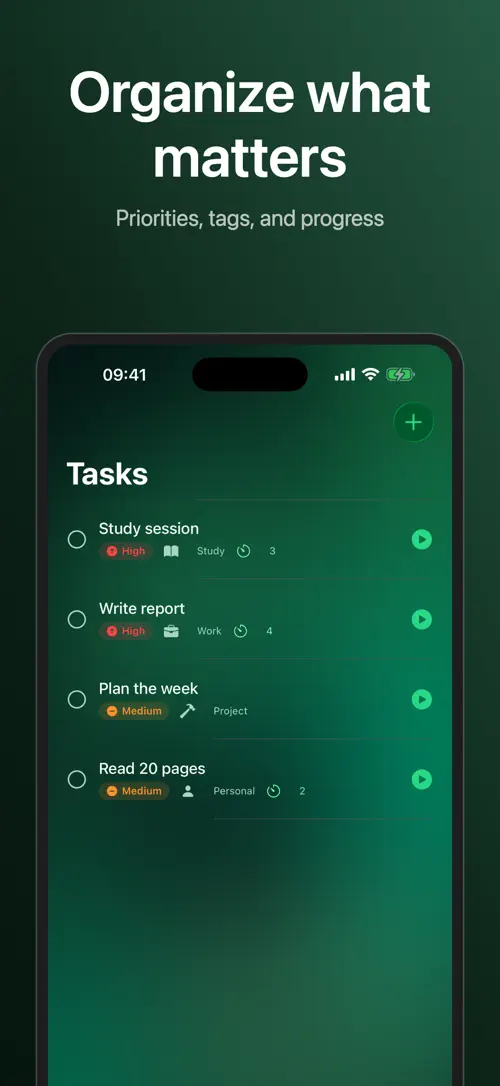
Create tasks with High, Medium or Low priority and categories like Work, Study or Project, then attach one to a focus session to log your time automatically.
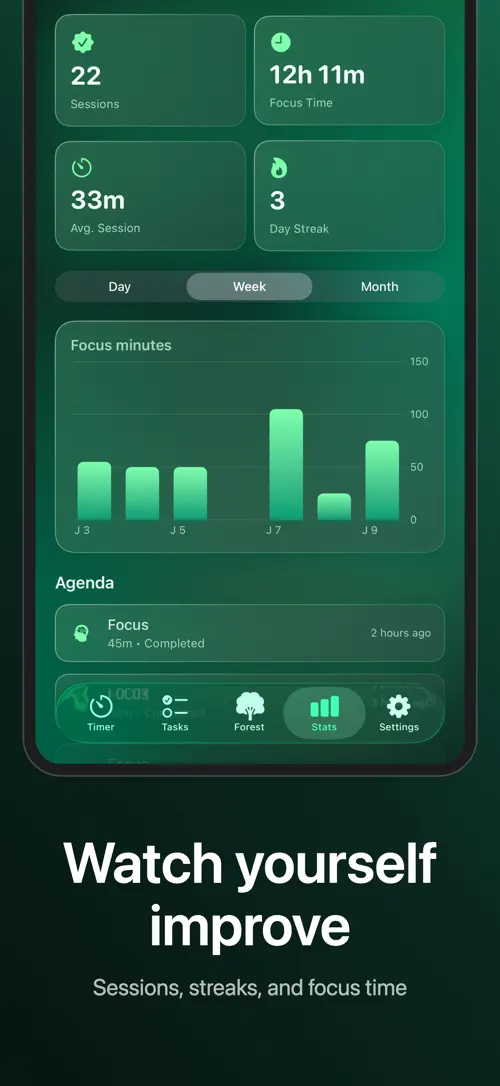
Check your full history in the Agenda, with day, week and month charts covering total sessions, focus time, average session length and your daily streak.
Focus with real ambient sounds like rain and ocean, a soft chime and gentle haptics, and choose from four themes: Forest, Tomato, Pixel and Space.
Who it’s for
Break study sessions into focused blocks with built-in breaks so long study days feel more manageable.
Structure a workday around focus sessions and see exactly how much time went into each task or project.
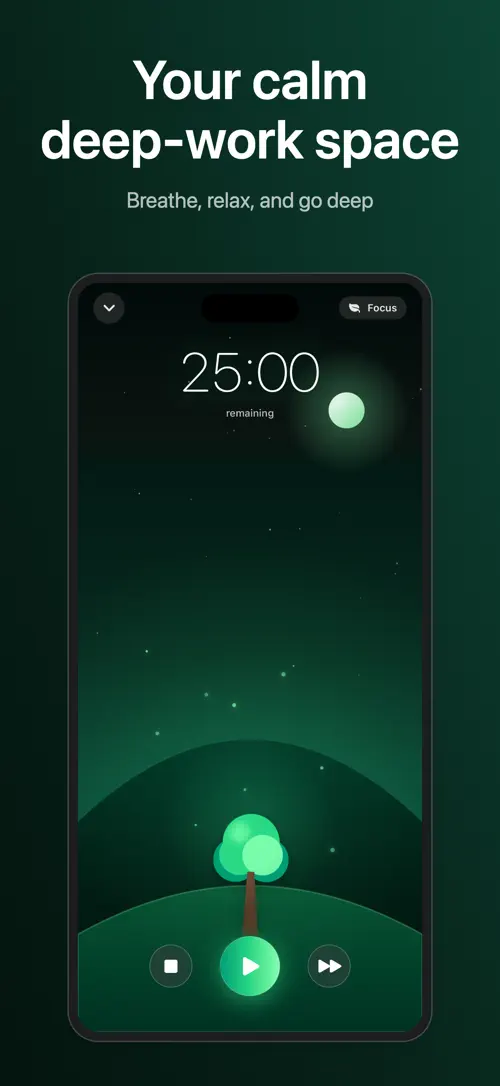
A full-screen focus mode and a growing forest give you a reason to stay on task until the timer runs out.
Ambient sounds, gentle haptics and a guided breathing break turn work sessions into less of a grind.
Daily streaks, charts and exportable data help you see patterns in how and when you focus best.
How it works
From “Set your durations” to “Export your data when you want it”, in 5 steps.
Customize your focus, short-break and long-break lengths, and turn on auto-start if you want sessions to flow into each other.
Optionally attach a task with a priority and category to your session, then enter the full-screen focus mode and watch your tree grow as you work.
Follow a guided breathing exercise to reset, or just take a normal break before your next session.
Open the Agenda to see your day, week and month charts, your total sessions, focus time, average session length and streak.
Export your focus history to CSV or JSON at any time to keep a copy or look at it elsewhere.
In depth
Every focus session you complete plants a tree in your own forest inside Pulse Focus. During a session, the full-screen focus mode shows a single tree growing as time passes, giving you something to watch instead of the clock.
Over time, your forest fills up with the trees you’ve planted, working as a visual record of the sessions you’ve completed. This forest lives inside the app and reflects your focus history rather than any real planting.
When a focus session ends, Pulse Focus lets you choose how to spend your break. You can follow a guided breathing exercise paced to a 5-second inhale and a 5-second exhale, designed to help you reset before the next session.
If you’d rather not follow the guided breathing, you can simply take a normal break instead. Either way, a local notification lets you know when it’s time to get back to work.
The Agenda in Pulse Focus keeps your full session history, organized into day, week and month charts. From there you can see your total sessions, total focus time, average session length and your current daily streak.
If you attach tasks to your sessions, that time is logged automatically against each task and category, so you can see where your focus actually went. You can also export your focus data to CSV or JSON whenever you want a copy outside the app.
Release notes
Version
1.1
Pulse Focus now supports iOS 18, bringing it to even more iPhones. We’ve also polished translations across all languages and refined the overall experience. Thank you for focusing with us — your feedback keeps us growing!
FAQ
Something else? The Pulse Focus support page covers purchases, sync and settings, and lets you write to us directly.
Yes. Pulse Focus is free to download from the App Store. Optional in-app purchases unlock extra features; they are billed by Apple to your Apple Account, and you can manage them at any time in your account settings.
Pulse Focus works on iPhone and iPad with iOS 18.0 or later.
Set your focus duration, optionally attach a task with a priority and category, then start the timer to enter the full-screen focus mode where your tree begins to grow.
Yes, focus, short-break and long-break durations are all fully customizable, and you can turn on auto-start if you want sessions to move into each other without tapping start each time.
It’s an optional break activity timed to a 5-second inhale and a 5-second exhale, meant to help you reset between focus sessions. You can skip it and take a normal break instead.
You can create tasks with a High, Medium or Low priority and assign them to a category like Work, Study or Project, then attach a task to a focus session so its time is logged automatically.
The Agenda shows your full history with day, week and month charts, along with total sessions, total focus time, average session length and your daily streak.
Yes, you can export your focus data to CSV or JSON at any time from within the app.
Pulse Focus is available in 33 languages: Arabic, Catalan, Chinese (Simplified), Chinese (Traditional), Croatian, Czech, Danish, Dutch, English, Finnish, French, German, Greek, Hebrew, Hindi, Hungarian, Indonesian, Italian, Japanese, Korean, Malay, Norwegian Bokmål, Polish, Portuguese, Romanian, Russian, Slovak, Spanish, Swedish, Thai, Turkish, Ukrainian and Vietnamese.
Visit the Pulse Focus support page: it answers common questions about purchases, sync and settings, and has a contact form. You can also write to contact@develak.com. We read every message and reply personally.
Foster Care Log

Home Maintenance Log

Poker Tracker

Watch Timegrapher
Made by Develak
We design and build native iPhone, iPad and Mac apps for founders and companies, with the same care we put into our own. Tell us about your idea.